
Black emoji wallpapers
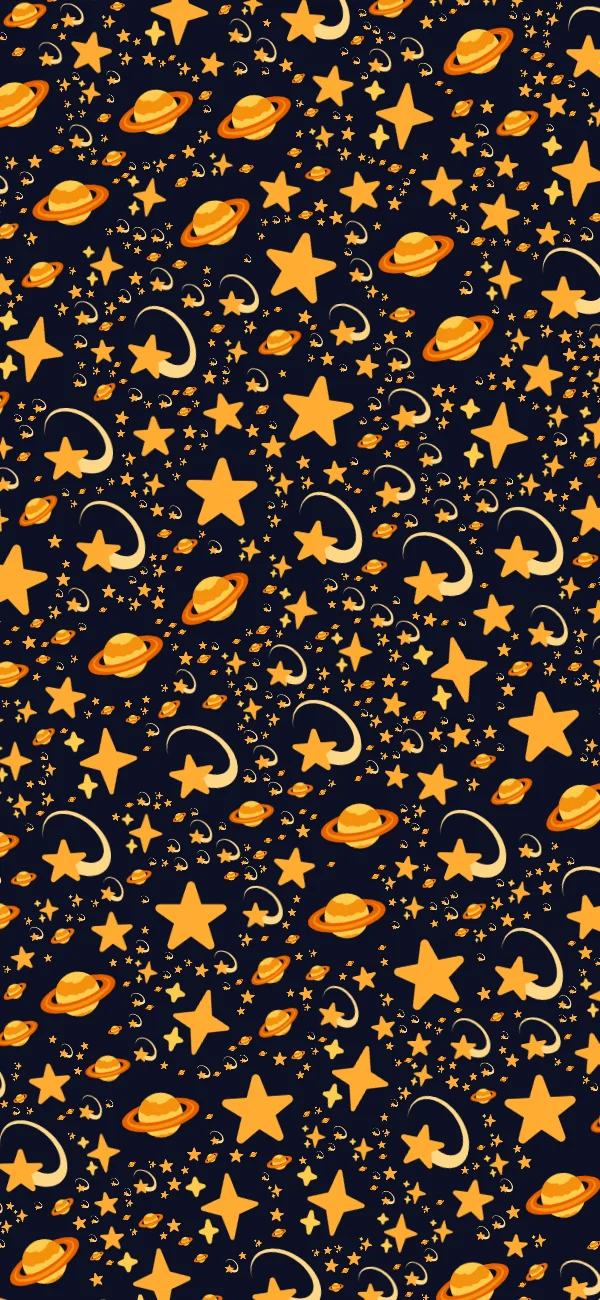
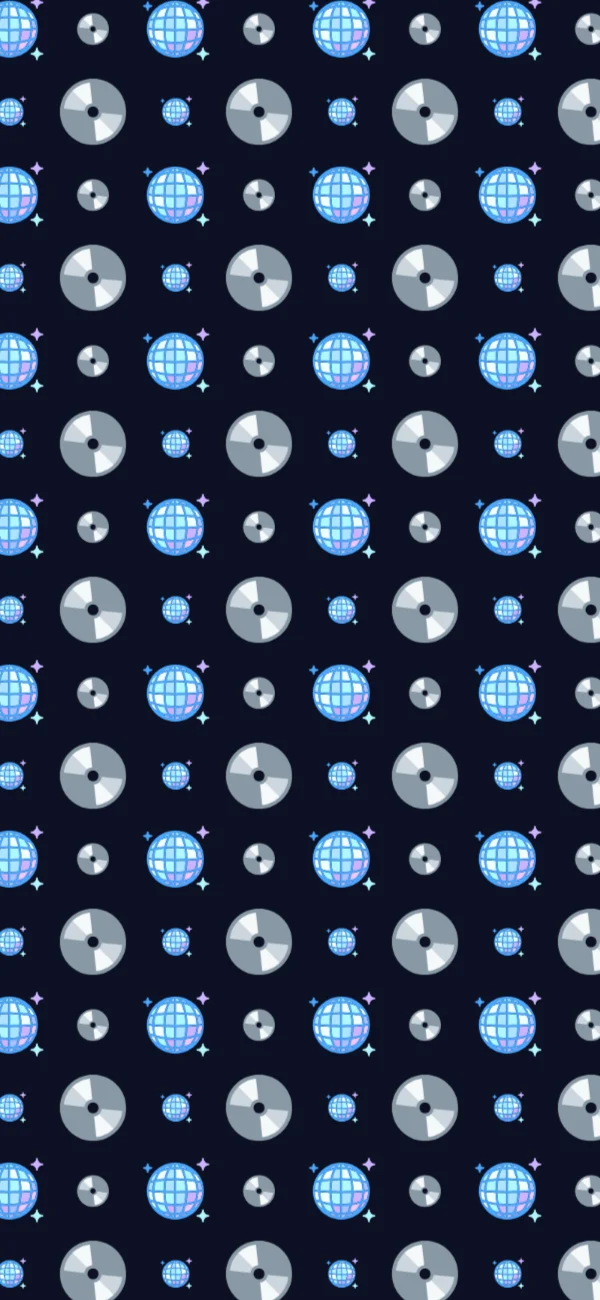
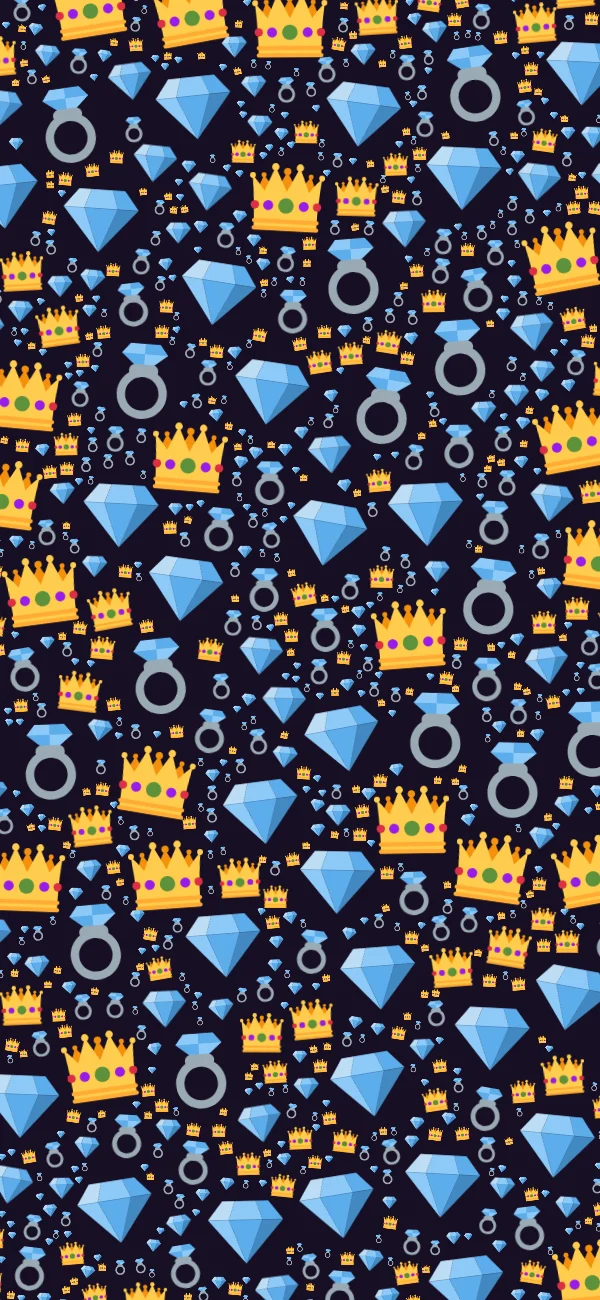
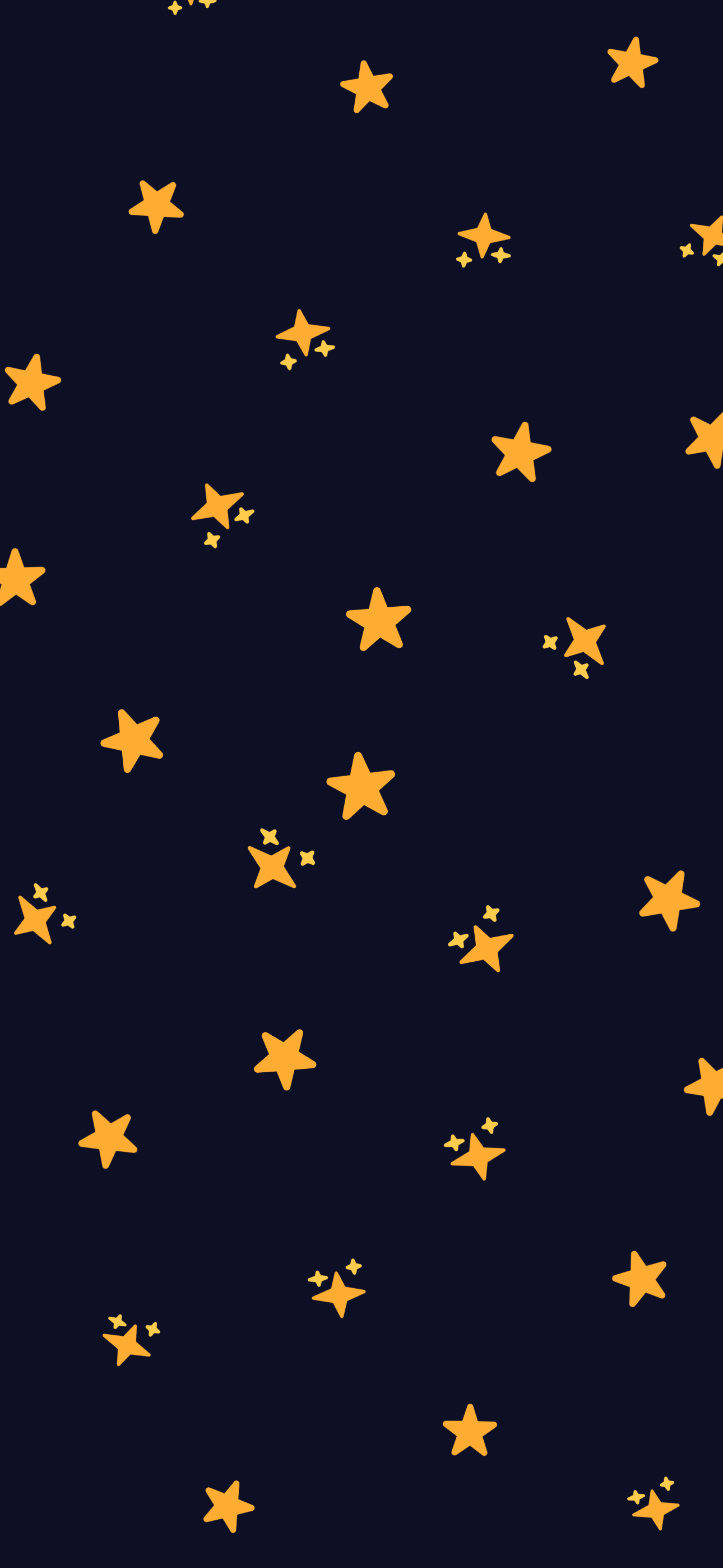
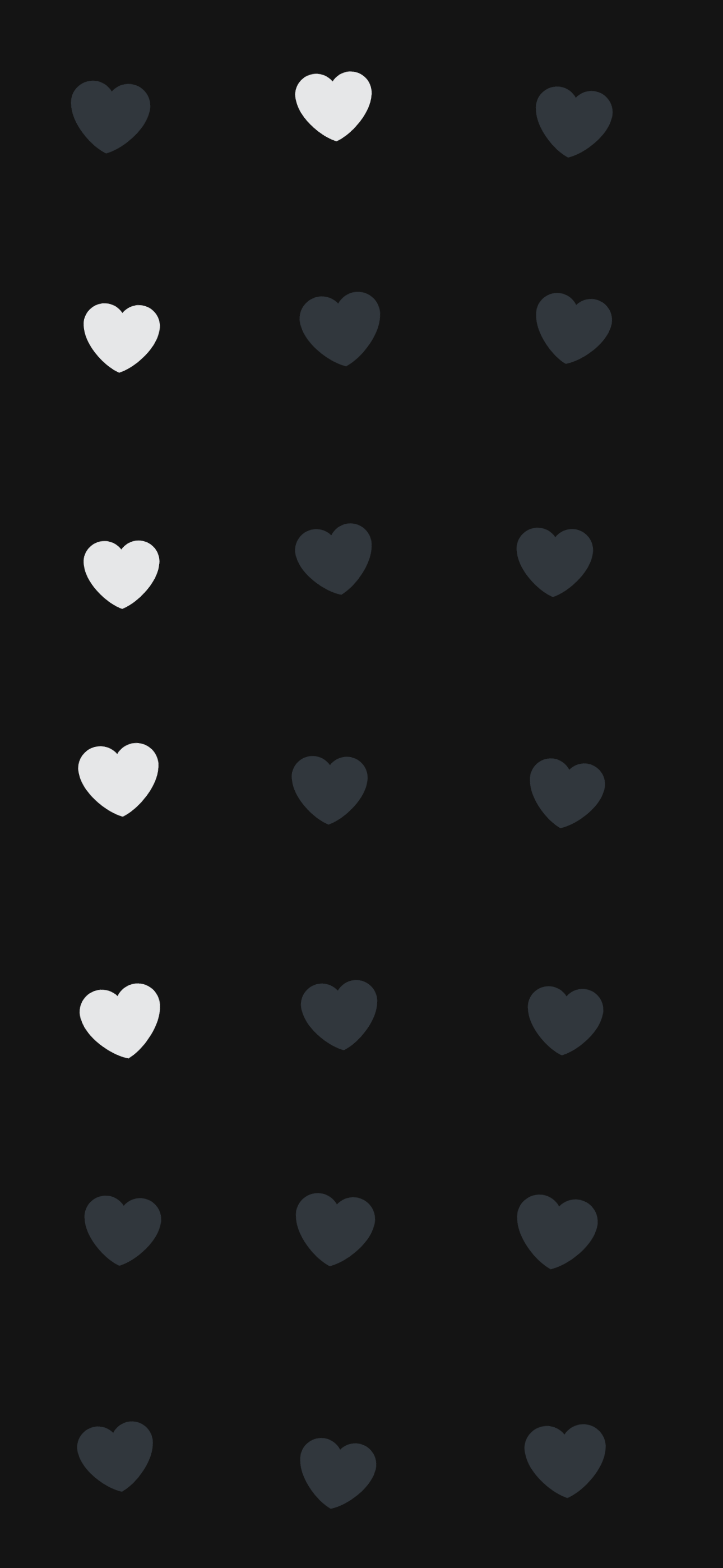
A dark wallpaper has one job beyond looking good: it has to stay behind the interface. These use a near-black ground, at most two emoji families each, and two sizes of glyph mixed together, never a single stamp repeated, so white text and app icons keep their contrast.
10 designs · free · no account · updated
Open Gold stars in the editor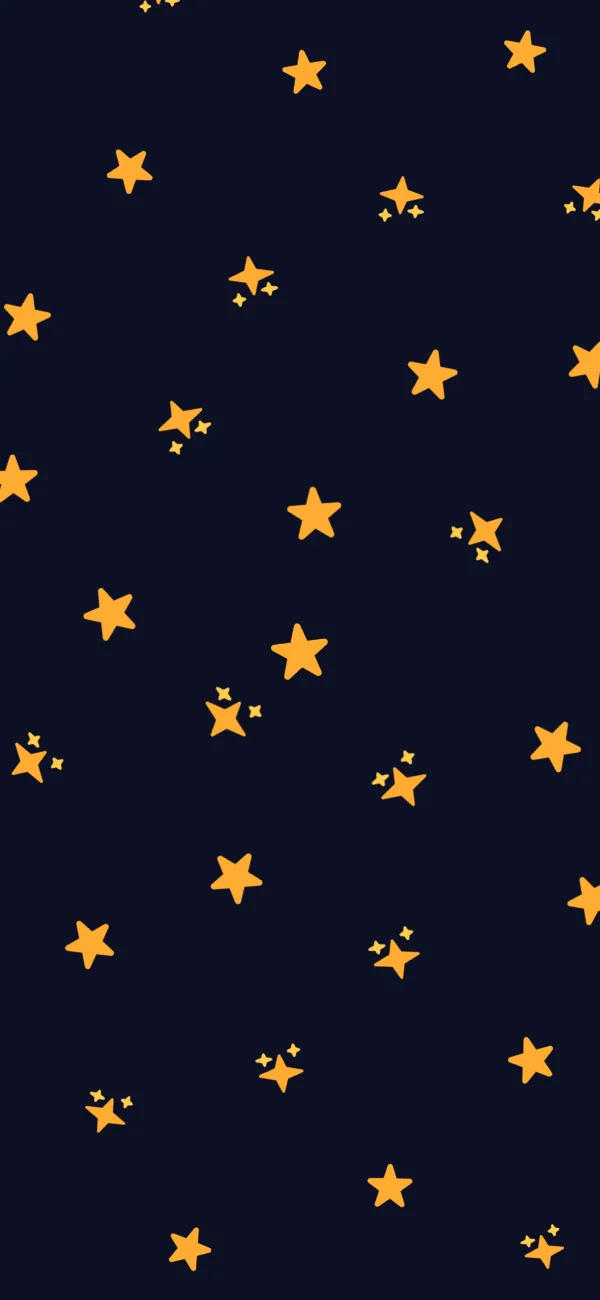
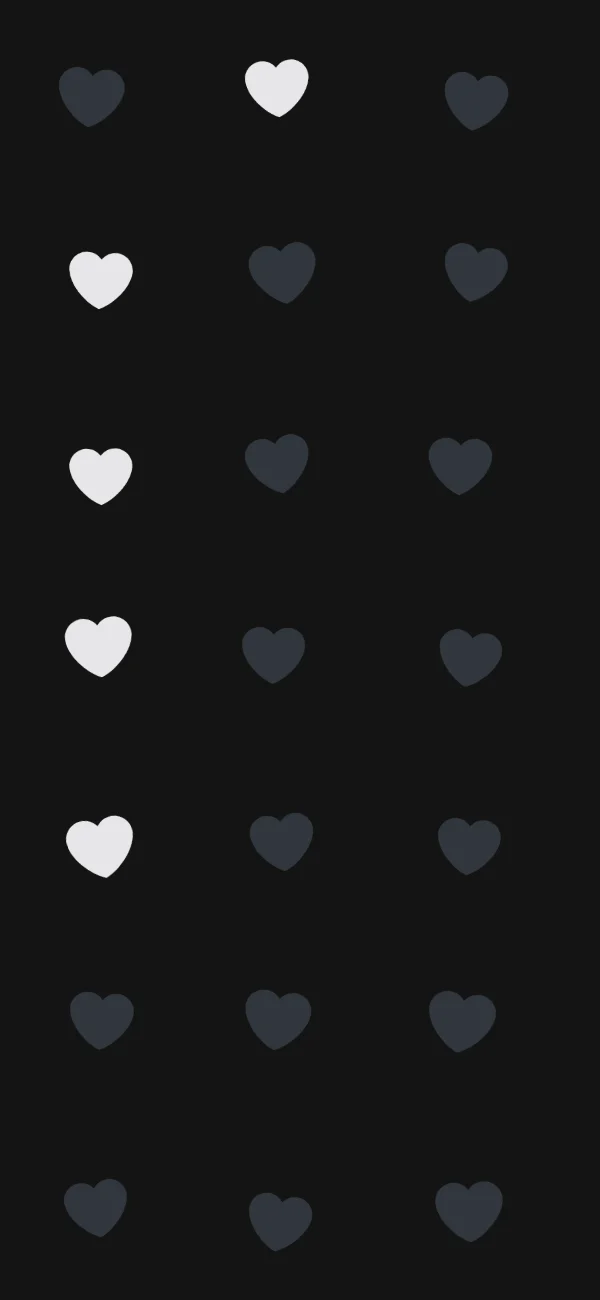
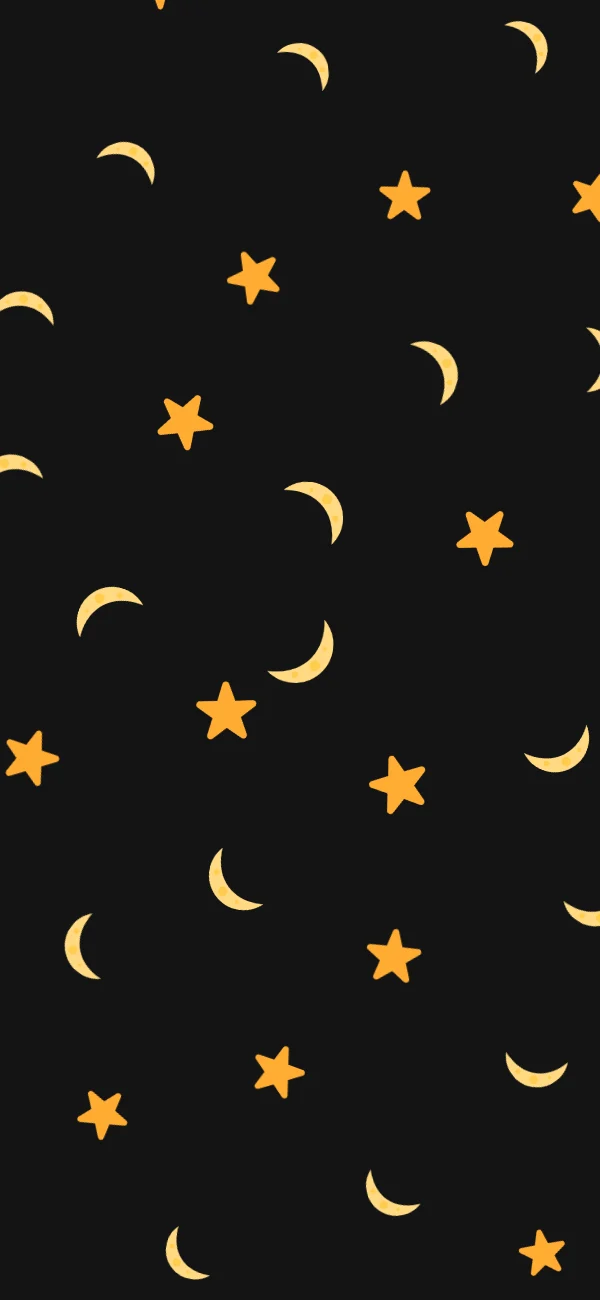
10 black wallpapers to download
Every one is a real image, and every download is 1290 × 2796: a phone screen's worth of pixels, not a resized preview. Take one as it is, or open it in the editor and change the emoji, spacing and colour.
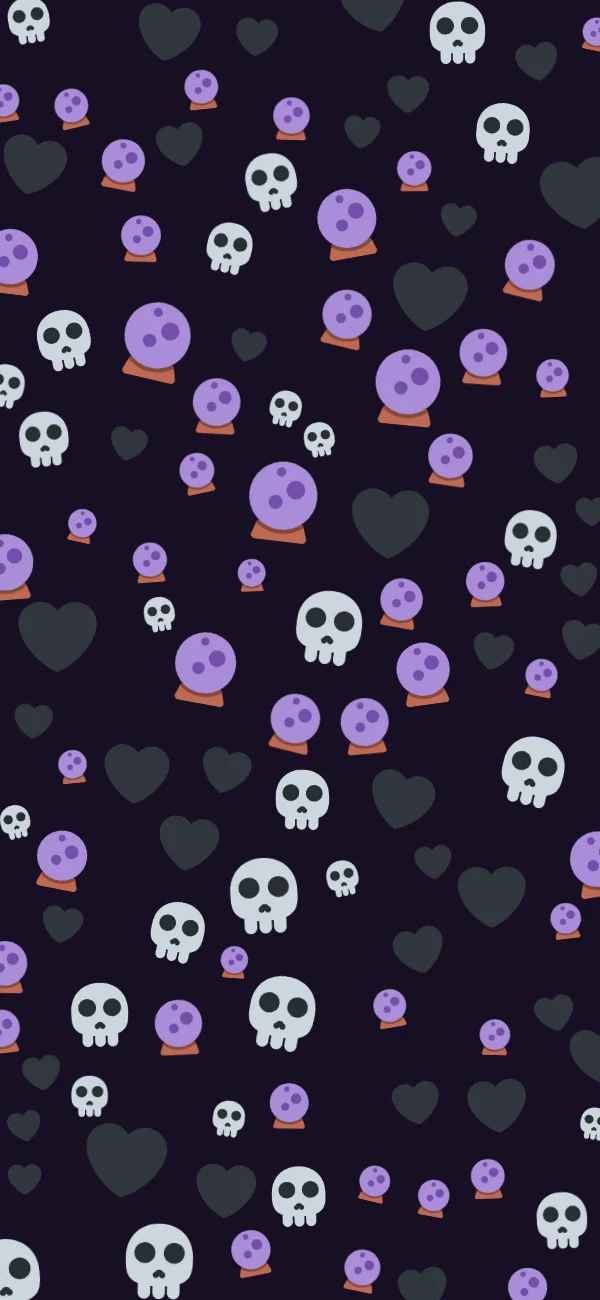
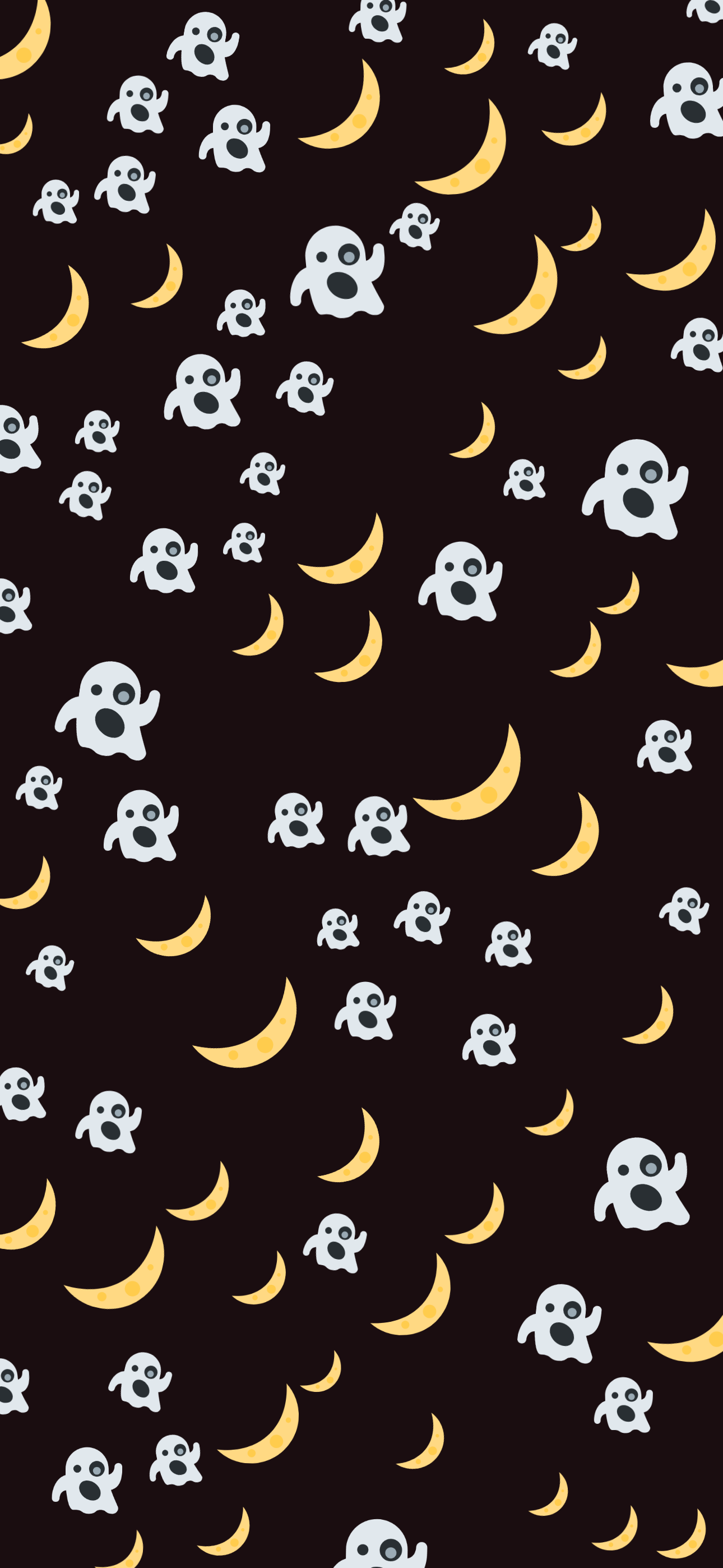
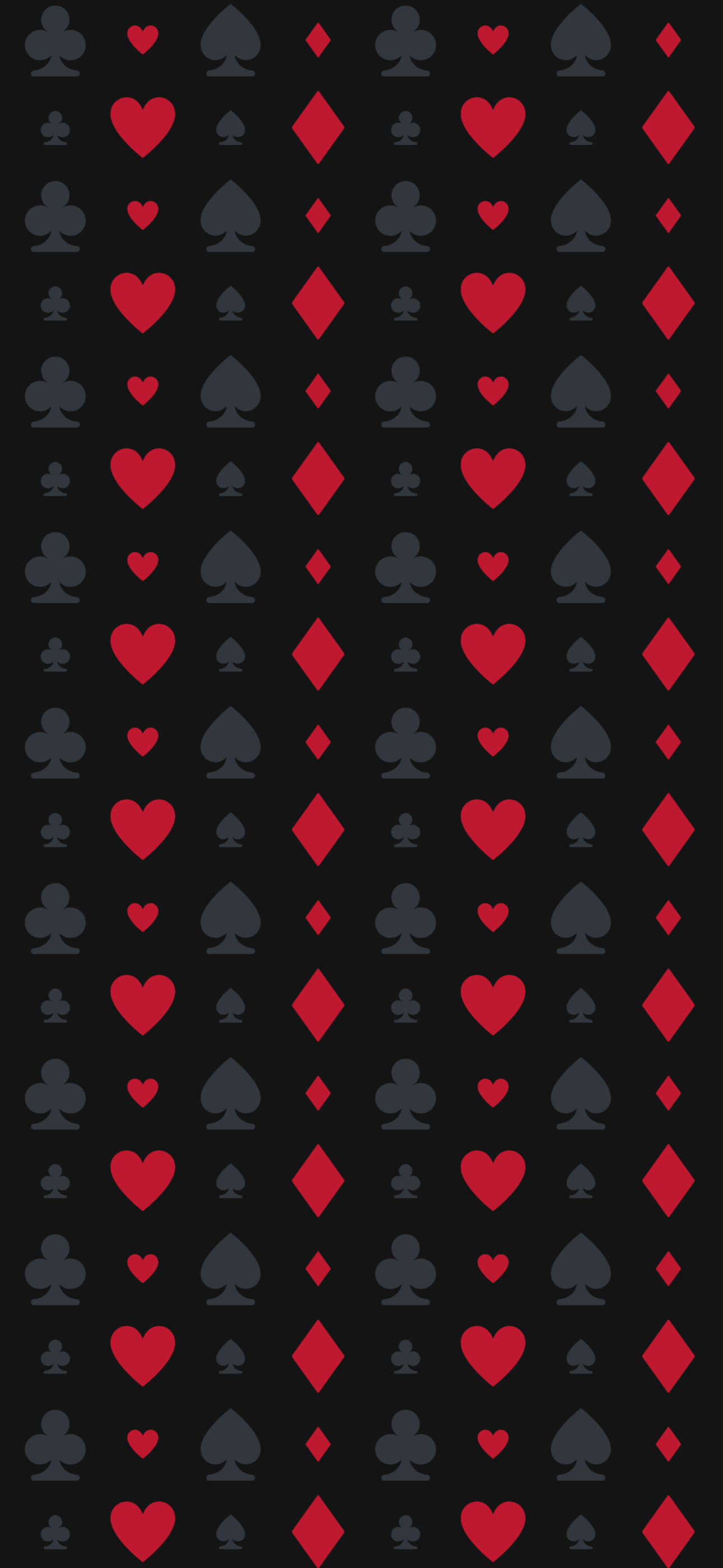
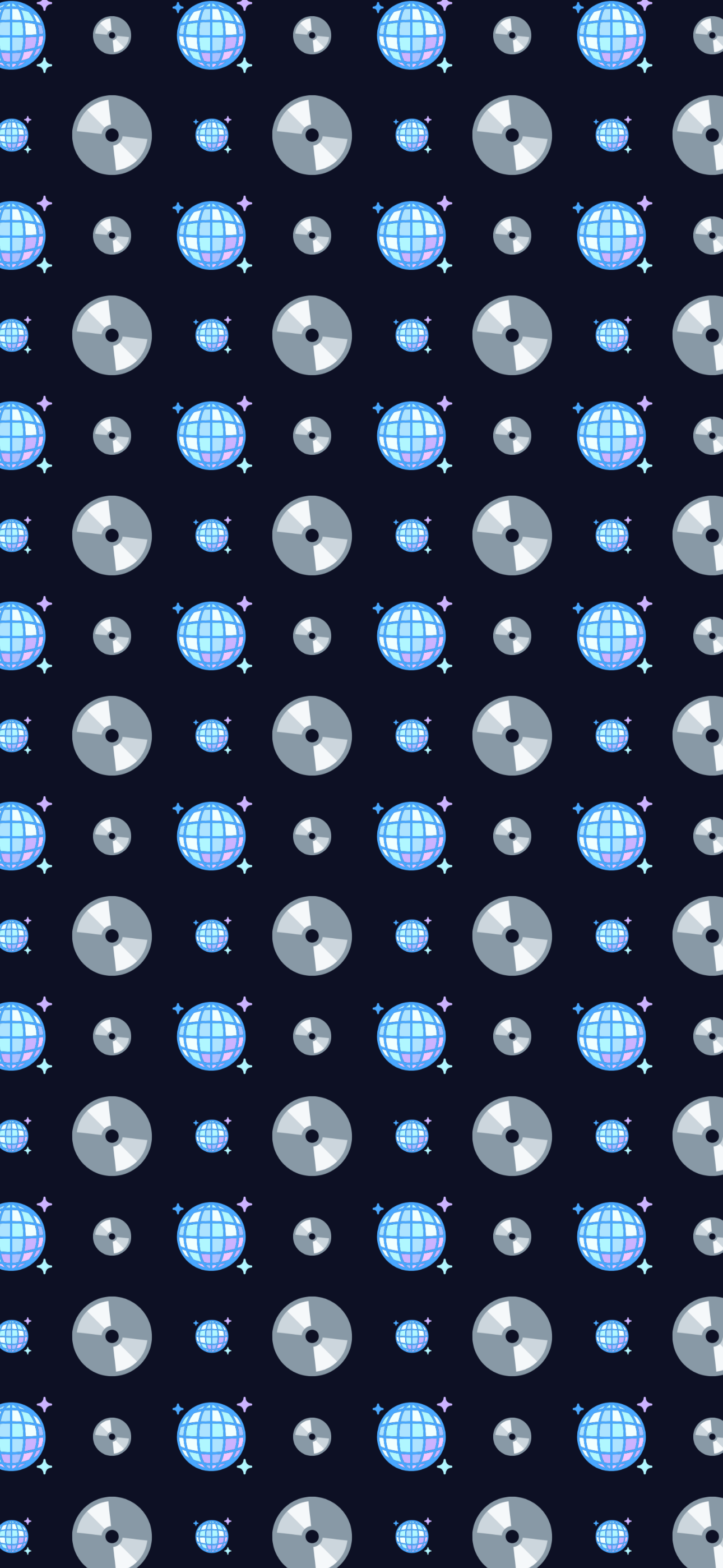
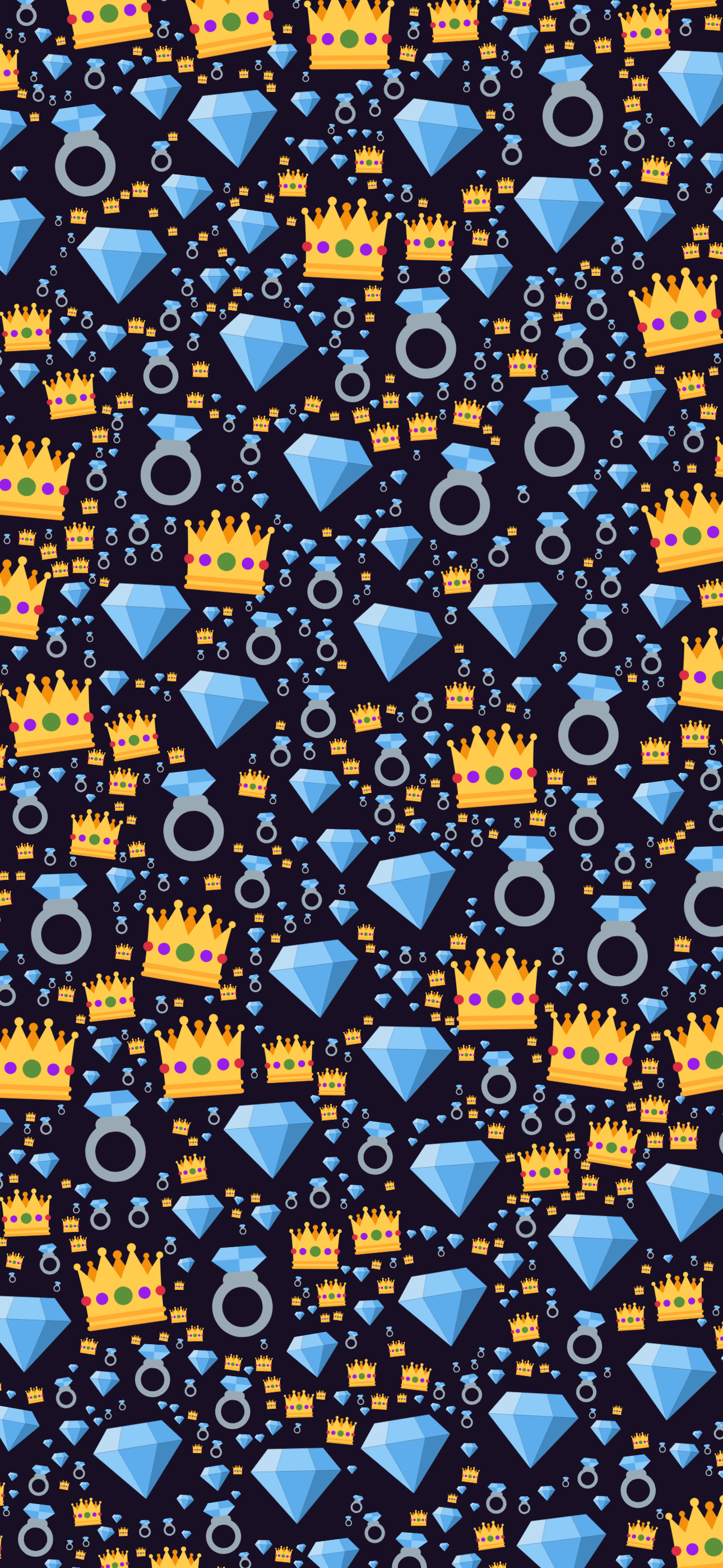
Black is a contrast decision
Anything you put on a near-black background gets brighter. A row of yellow stars that looks gentle on cream will glow here, and the same layout that felt sparse in daylight can feel crowded at night. Every design above commits to one end or the other rather than settling in the middle.
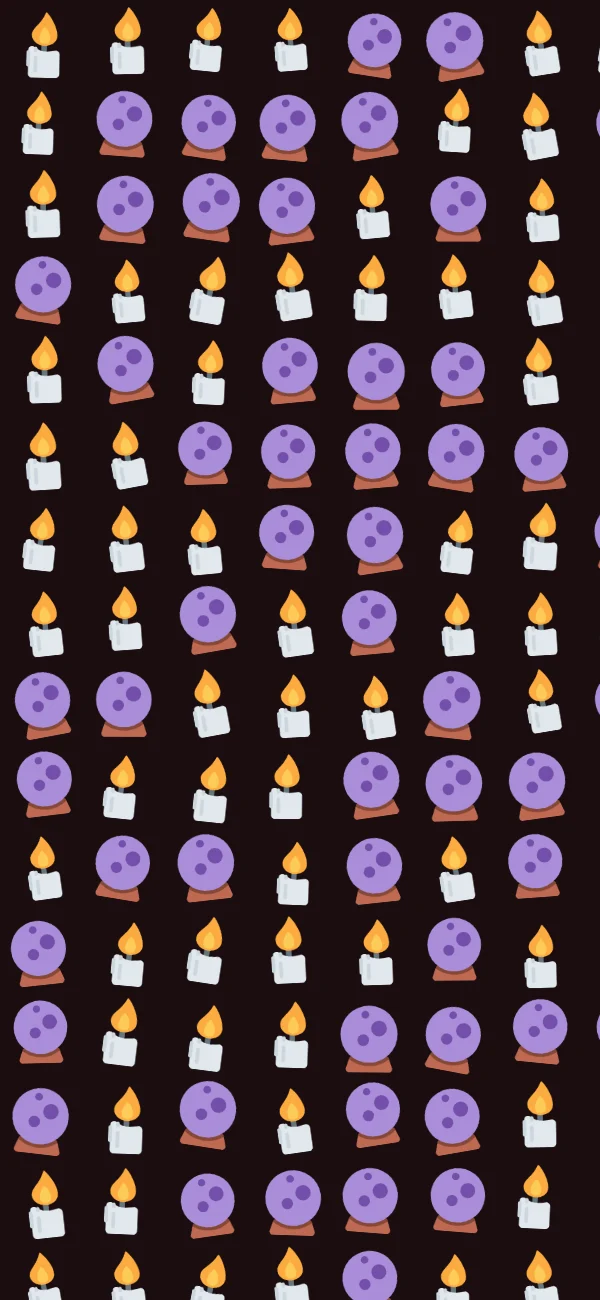
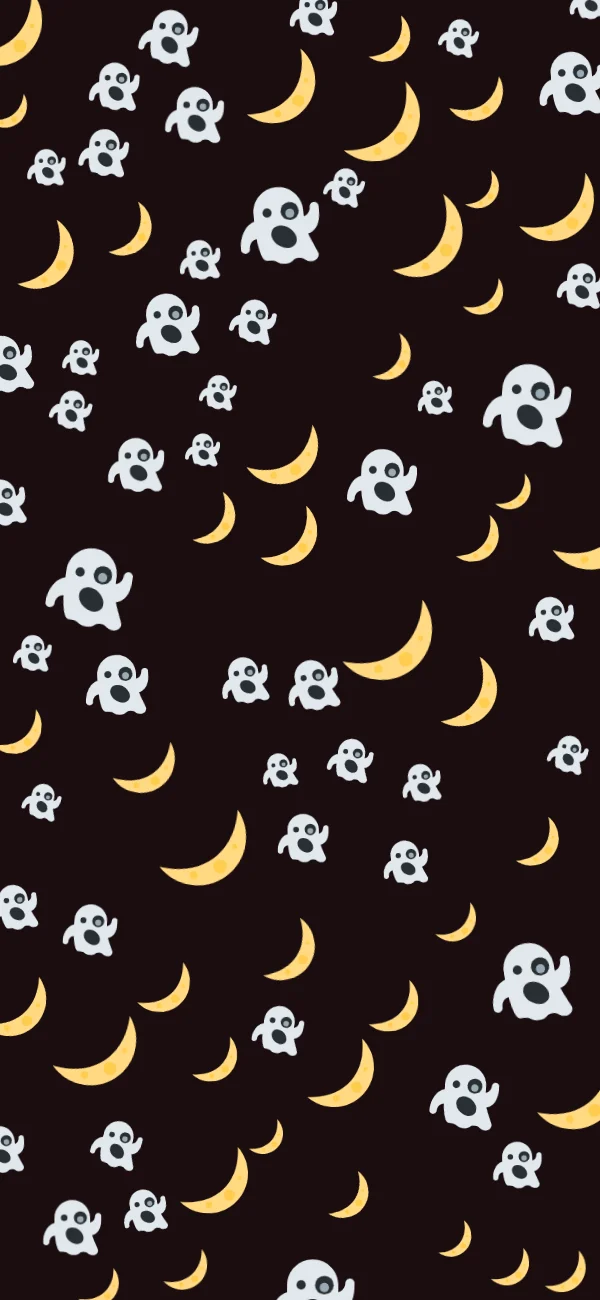
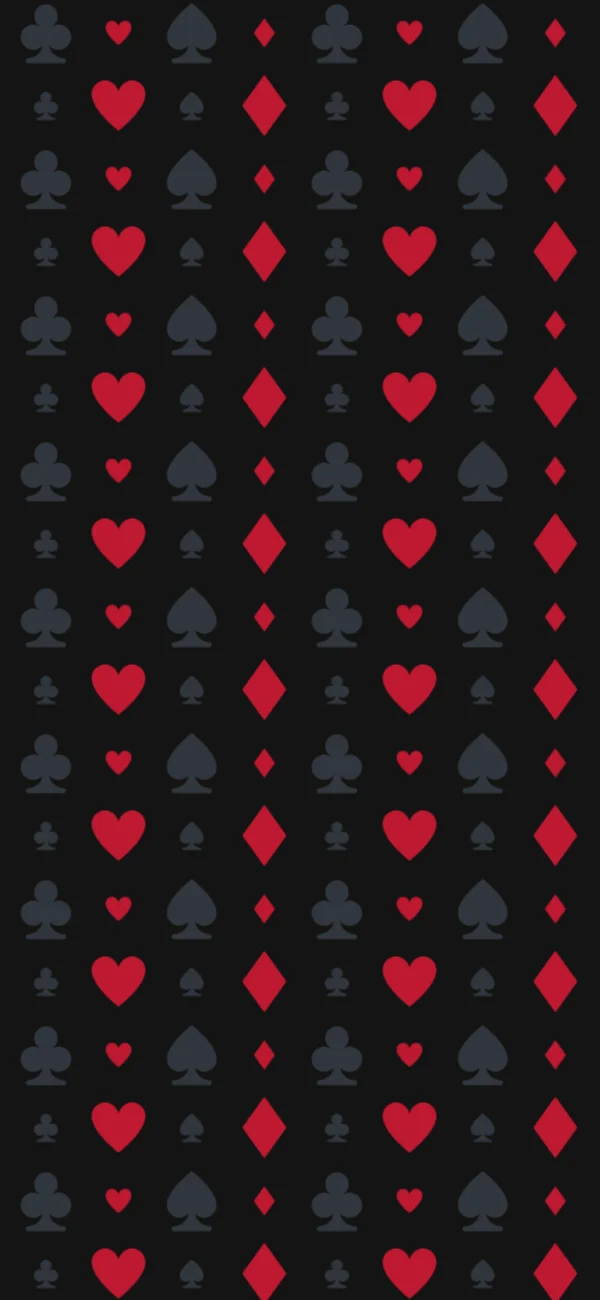
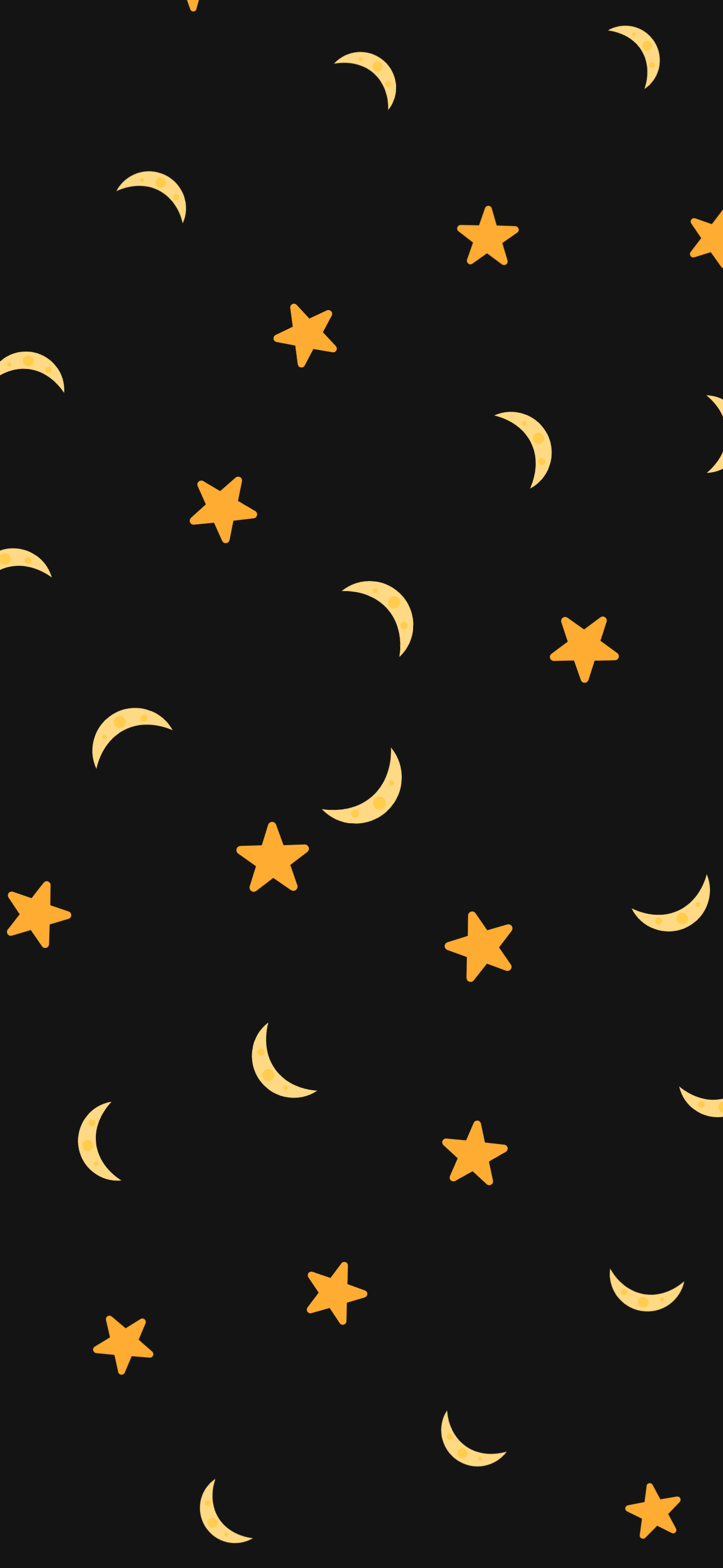
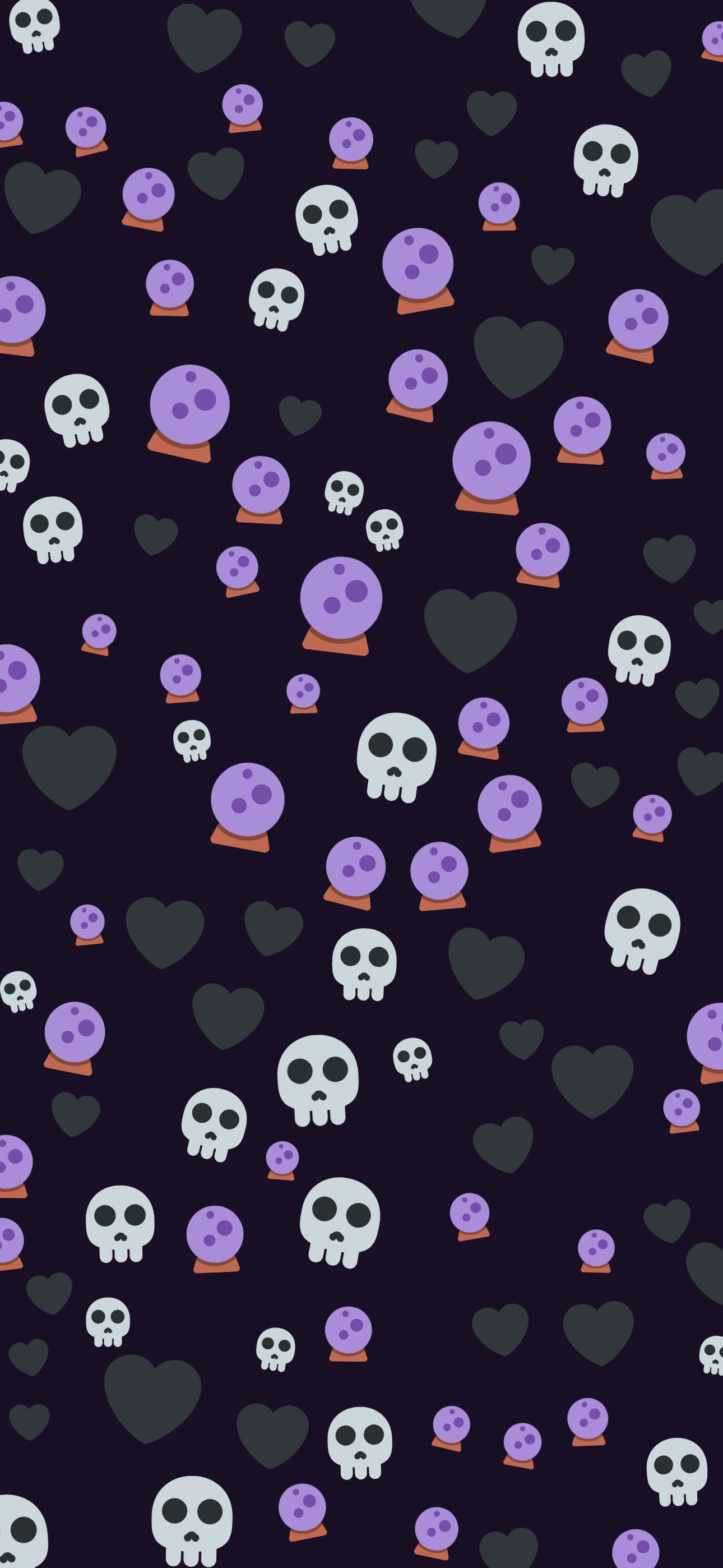
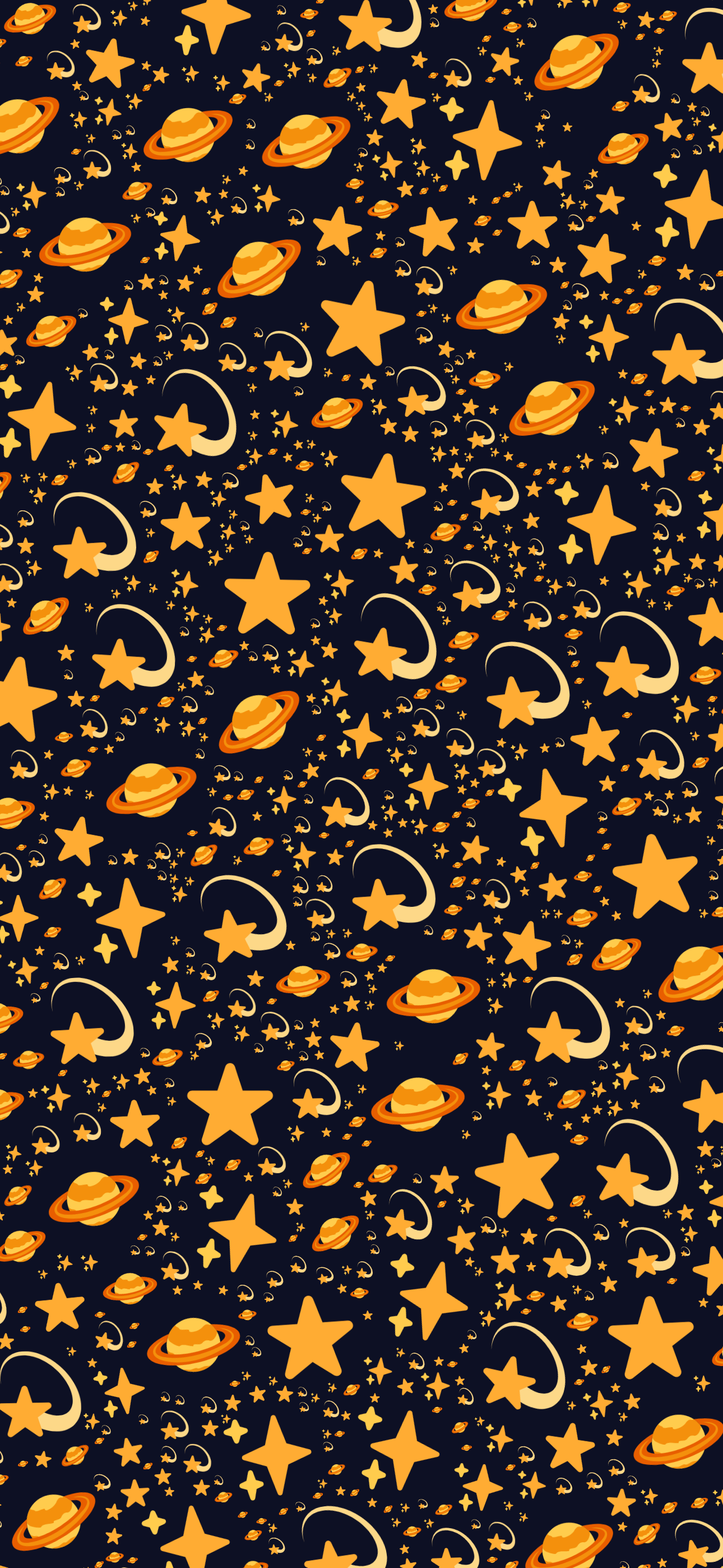
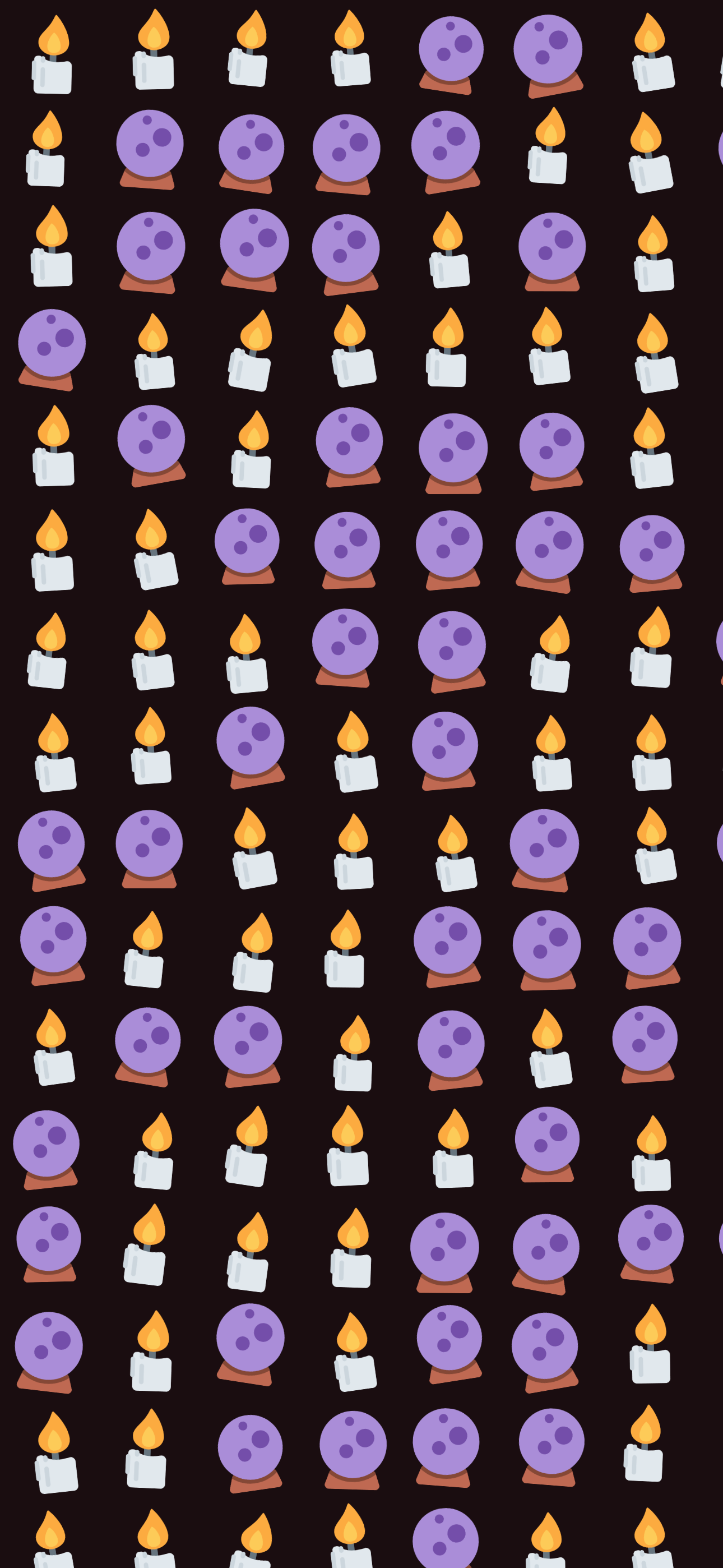
Gold stars and Midnight moon lean into empty space: small, bright, well separated, the closest thing here to an actual night sky. Jewel case and Deep space go the other way, packing bright glyphs edge to edge into a dense cluster instead of scattering them. Noir hearts and Candle light use that same restraint as the first pair, but with darker or warmer emoji, so the pattern reads as texture until the screen is at full brightness.
Keeping your icons readable
A home screen puts white labels under every app icon. Under a busy wallpaper those labels fight for the same pixels and both lose. Two things fix it: fewer emoji families per screen, and keeping the brightest glyphs out of the middle rows where the icon grid sits. Open any design and drop the size a little: the pattern gets finer and the labels come back.
Always-on and the dimmed lock screen
Recent iPhones dim your wallpaper rather than replacing it when the screen sleeps. Pale wallpapers turn grey there; a black one stays black, and the bright emoji become the only thing visible. It is the one place a dark wallpaper looks deliberately designed rather than merely dark.
How to make your own
Step 1
Open a design
Tap any wallpaper on this page. It loads into the editor exactly as you see it here, emoji, pattern and colour together.
Step 2
Swap in your own emoji
Add or remove emoji from the tray. Two to six related emoji is the range that reads as a pattern rather than a pile.
Step 3
Check it against the clock
The preview draws the lock-screen clock and home indicator over your design, so you can move the busy part of the pattern out from under them before you download.
Step 4
Download at your screen size
Pick your device and download. The file comes out at that screen’s real pixel resolution, so it stays sharp instead of being upscaled from a preview.
FAQ
Does a black wallpaper save battery?
On an OLED screen, a little, because black pixels are switched off rather than lit. Every design here uses a near-black ground for that reason, and the always-on display on a recent iPhone shows a dimmed version of your wallpaper, which is where the difference is most visible.
Why are the emoji spaced out more than on the other pages?
Bright emoji on black are high contrast, so they read as brighter and busier than the same layout on a pale ground. The sparser designs above (Gold stars, Noir hearts, Midnight moon) lean into that with extra space between glyphs, which keeps white clock digits and app labels legible on top.
Can I make the background pure black instead?
Yes. Open any design, tap the colour panel, and set it to #000000. These use near-black shades instead (#141414, #0d1024, #180f24, #1a0d10), a fraction off pure black, because it keeps the ink outline of some emoji from disappearing entirely and gives each design a faint tint rather than making all ten look identical.
Do these work with dark mode?
They are made for it. Dark mode changes the interface, not the wallpaper, but a dark wallpaper under a dark interface is the combination that stays consistent when the phone dims the screen at night.
Keep looking
- StylesPink emoji wallpapersPink is the most-asked-for emoji wallpaper and the easiest one to get wrong. Give it a mid-brightness ground and one uniform size, and the pattern turns to noise. Each of these picks a background that's very pale or nearly black, one pink family, and two sizes of emoji rather than one.
- StylesMinimalist emoji wallpapersMinimal is a subtraction, not a style you add. Every design here is built from one emoji, or two at most, on a single flat colour: no gradient, no third family, no filling the corners. Four of them place one glyph in the middle of the screen and stop there.
- GuidesSetting a wallpaper on iPhoneFour steps, about a minute. The part people get stuck on is not setting the wallpaper. It is iOS zooming in on the image afterwards, which happens for one specific reason covered below.