
Pink emoji wallpapers
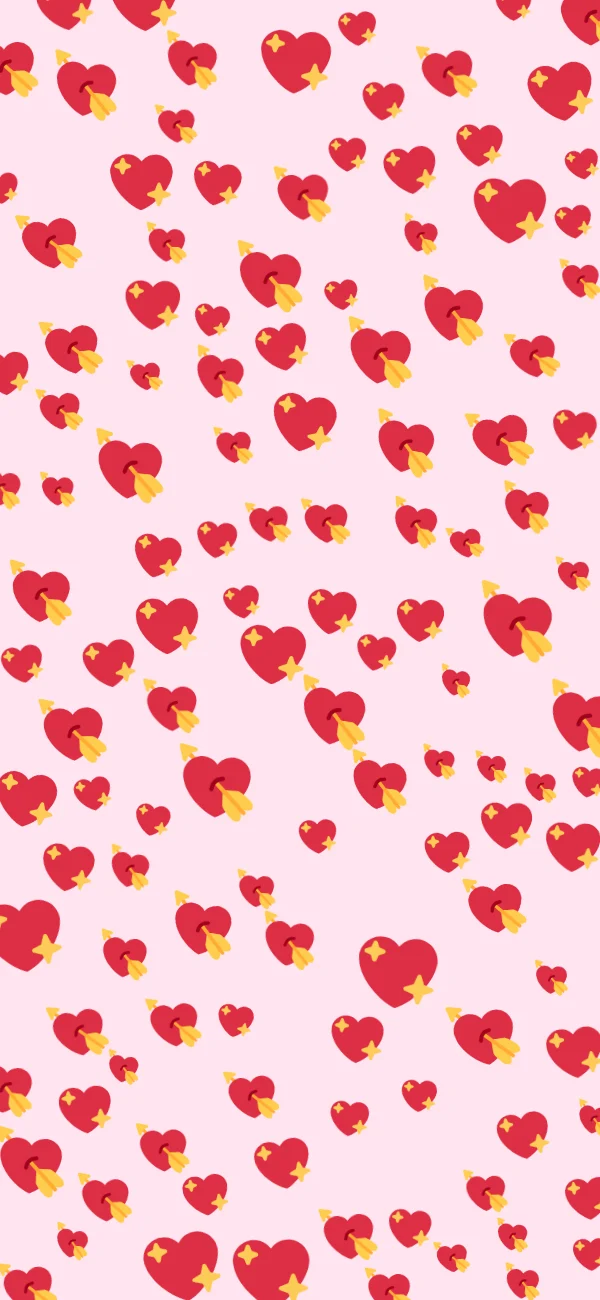
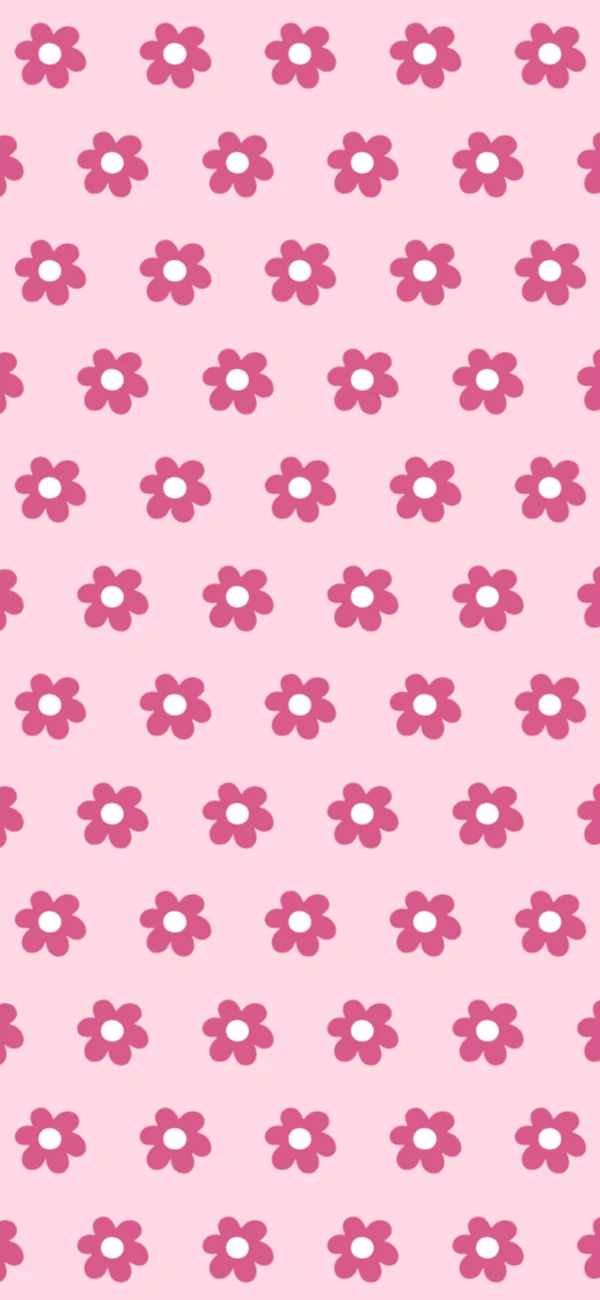
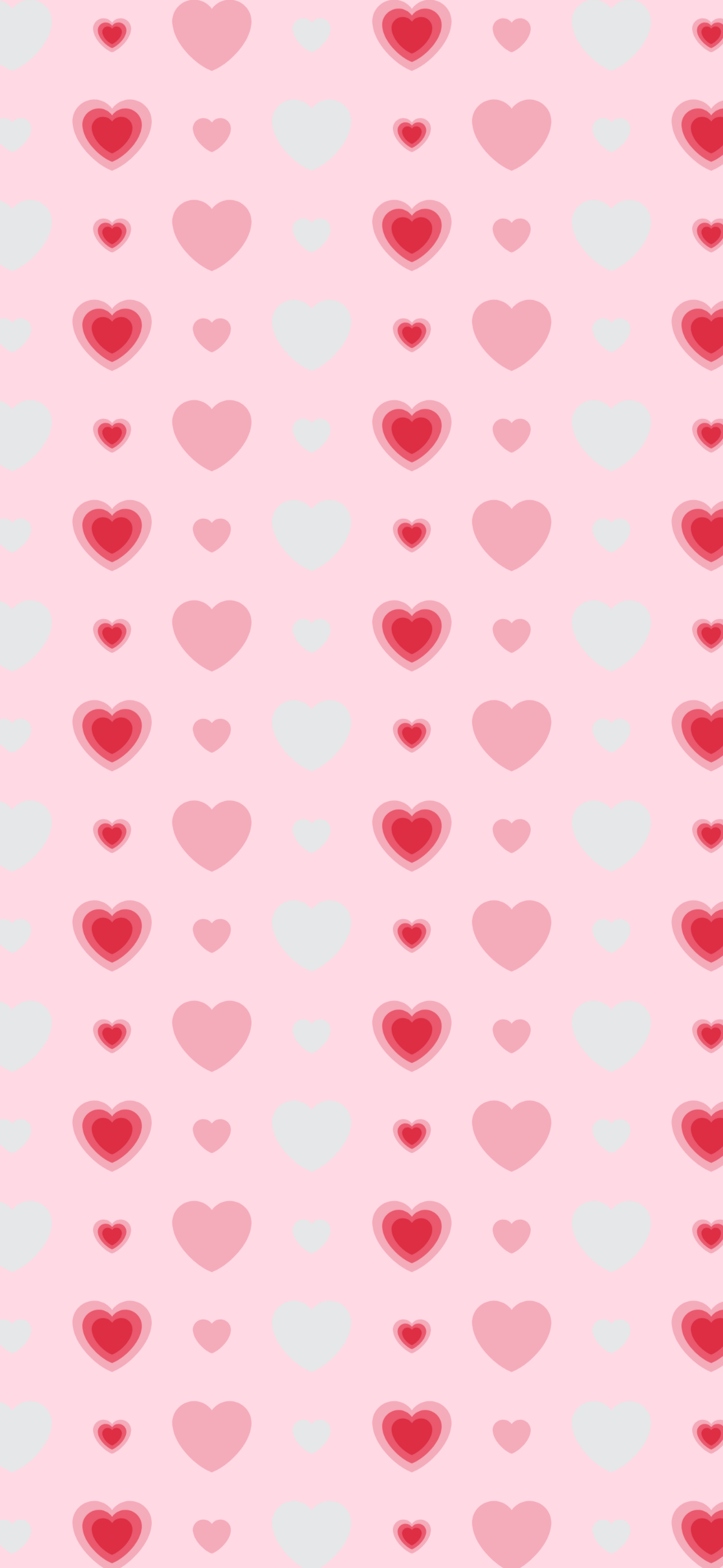
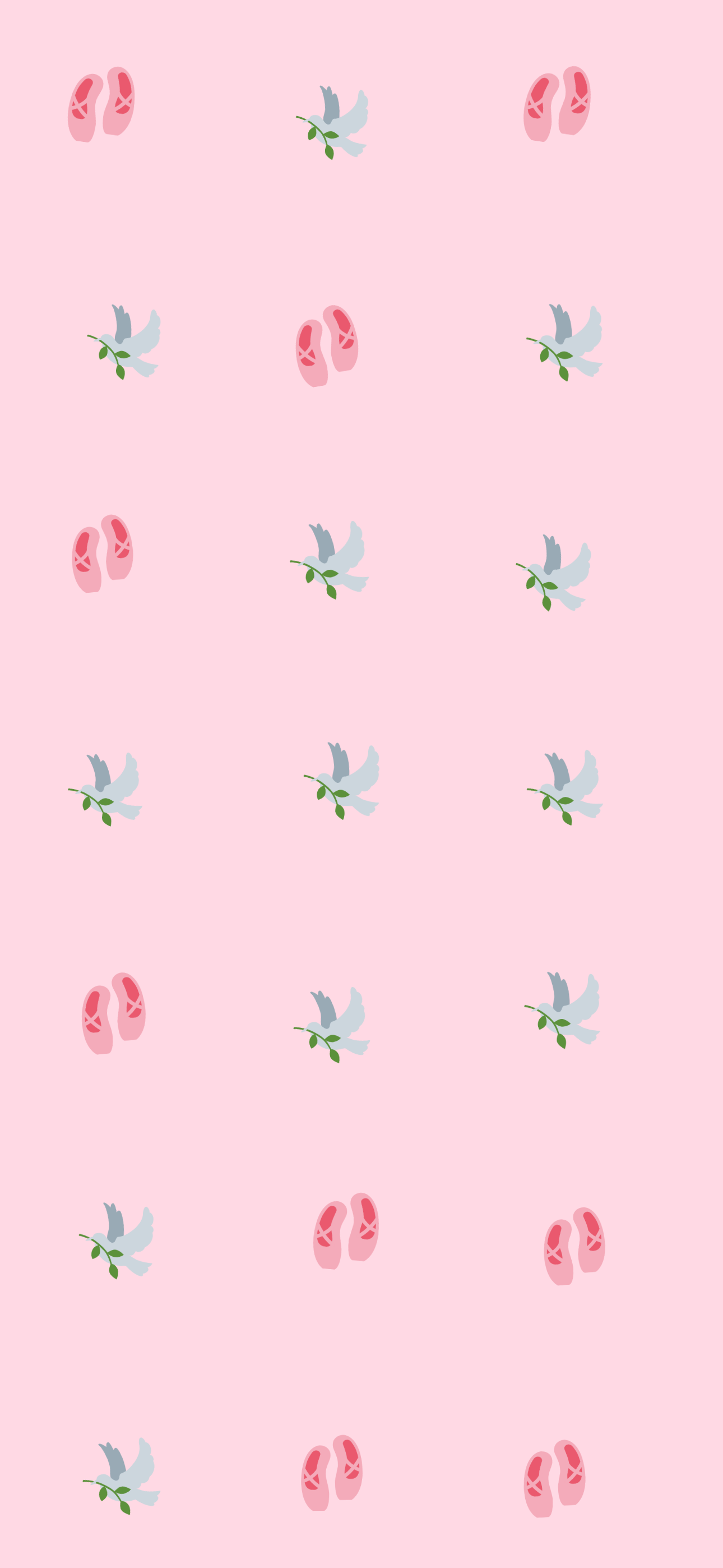
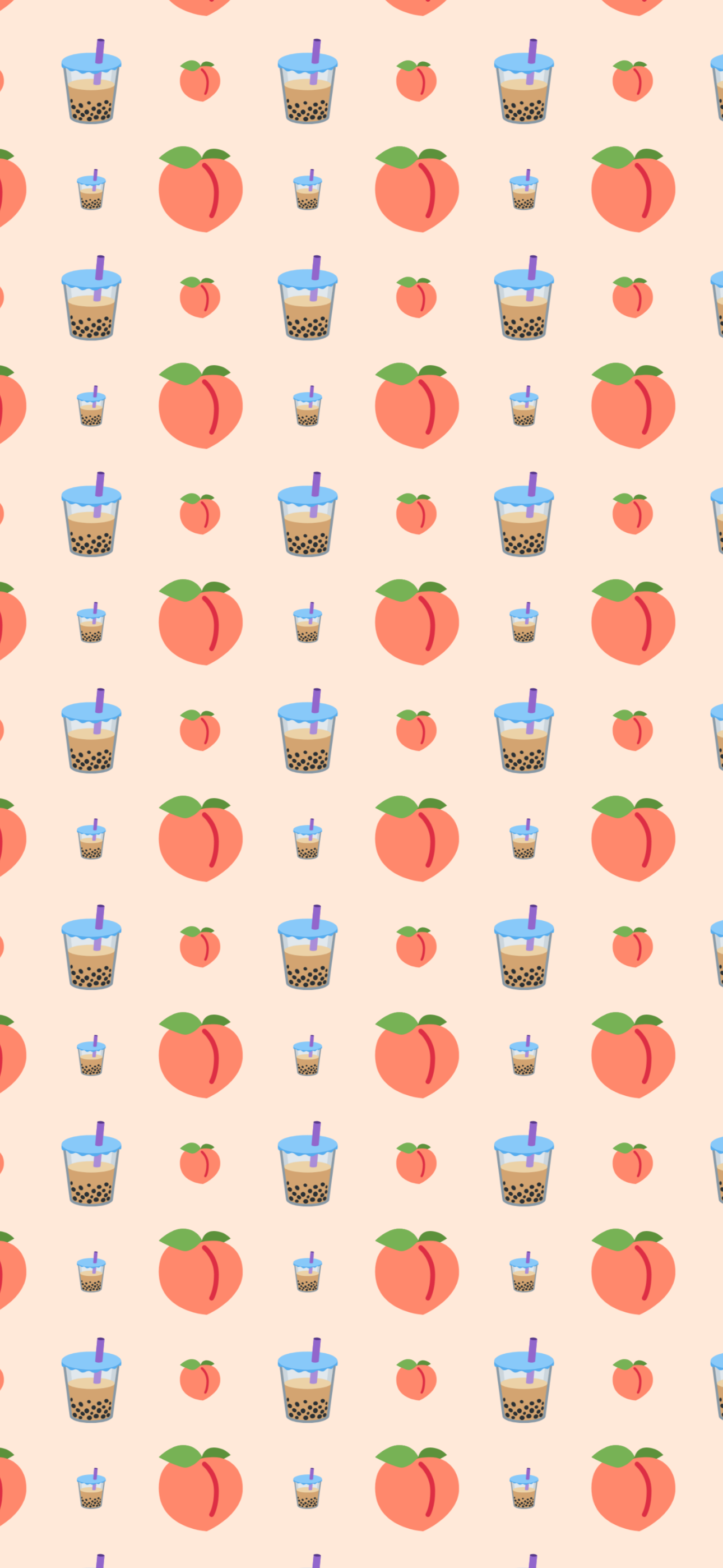
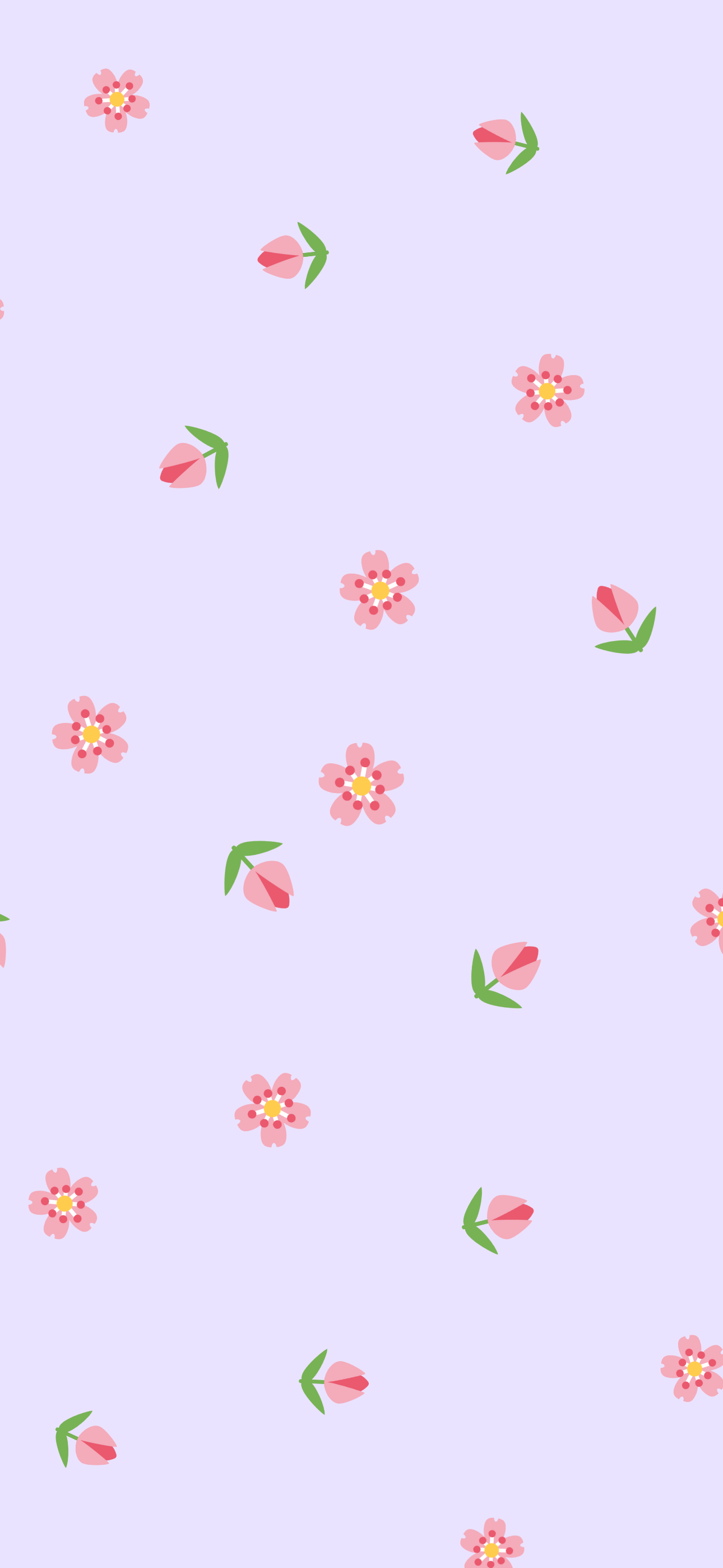
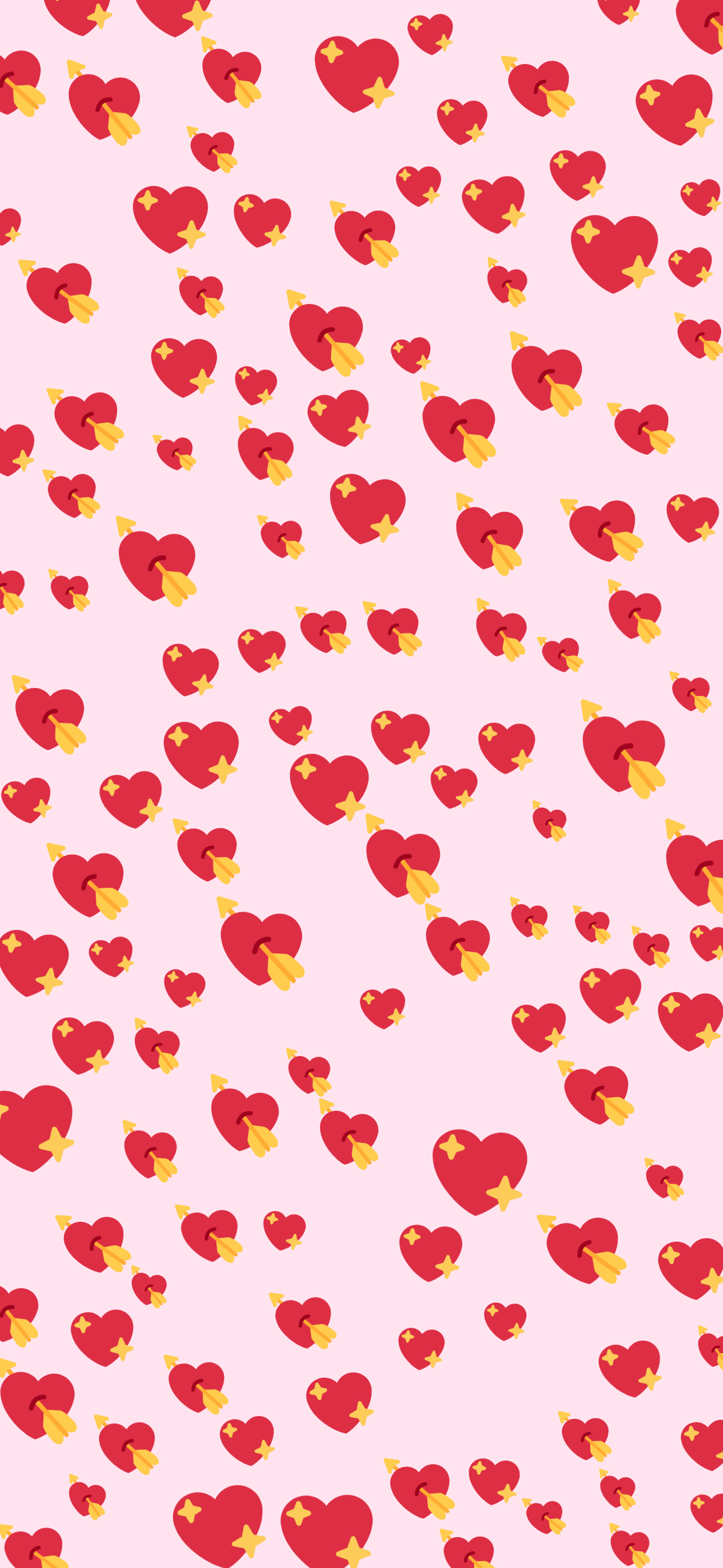
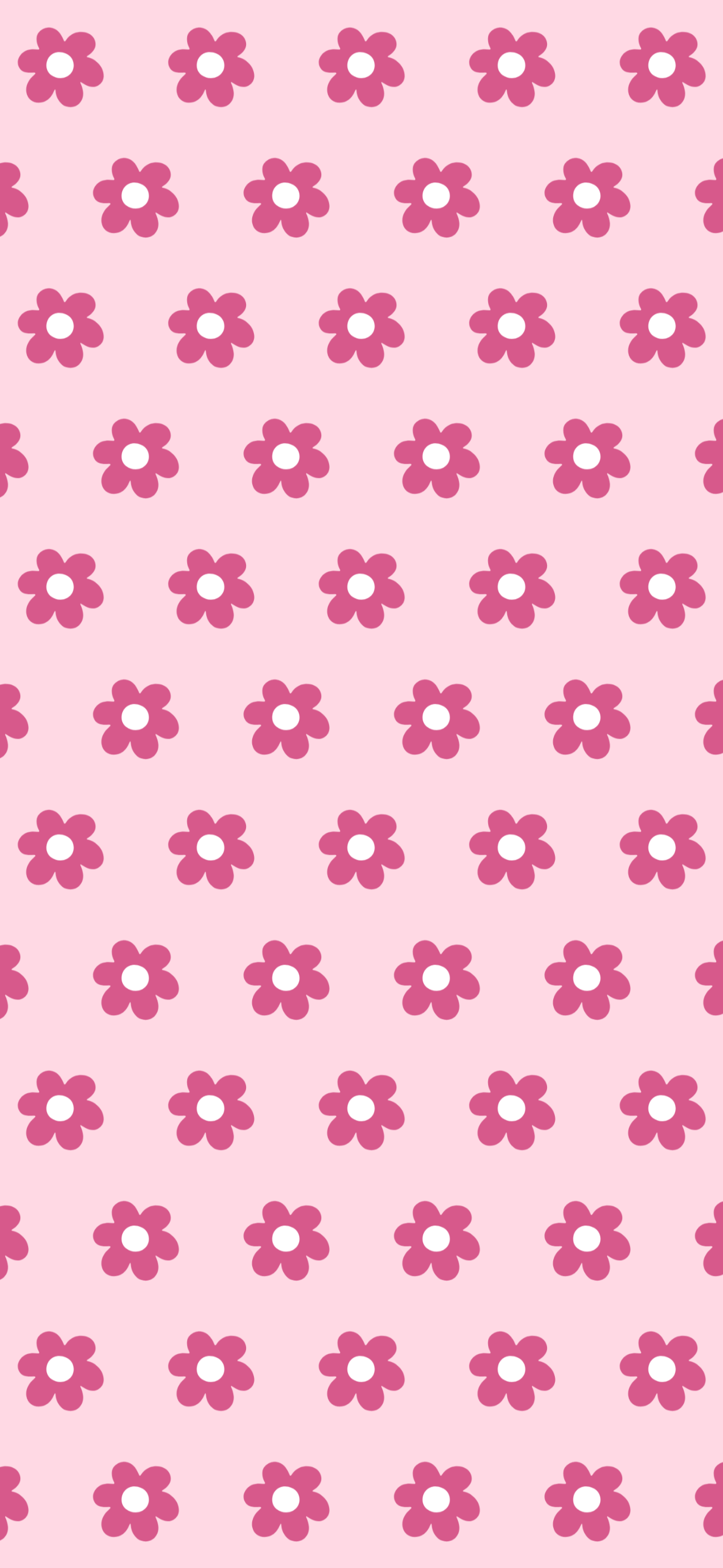
Pink is the most-asked-for emoji wallpaper and the easiest one to get wrong. Give it a mid-brightness ground and one uniform size, and the pattern turns to noise. Each of these picks a background that's very pale or nearly black, one pink family, and two sizes of emoji rather than one.
11 designs · free · no account · updated
Open Blush hearts in the editor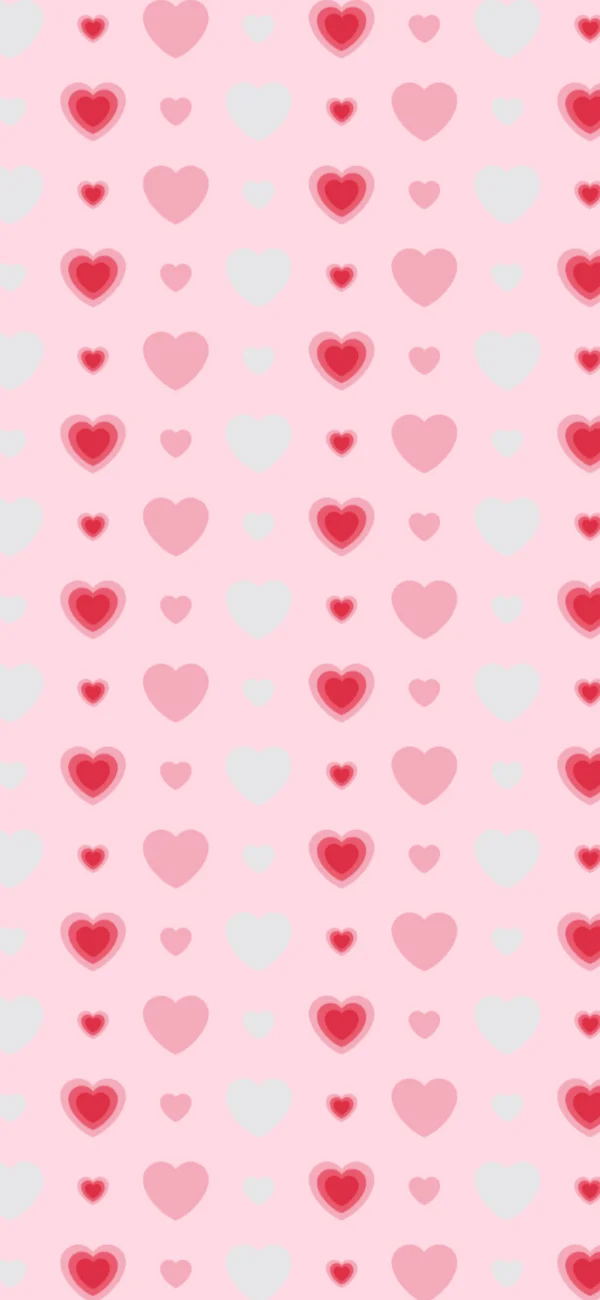
11 pink wallpapers to download
Every one is a real image, and every download is 1290 × 2796: a phone screen's worth of pixels, not a resized preview. Take one as it is, or open it in the editor and change the emoji, spacing and colour.
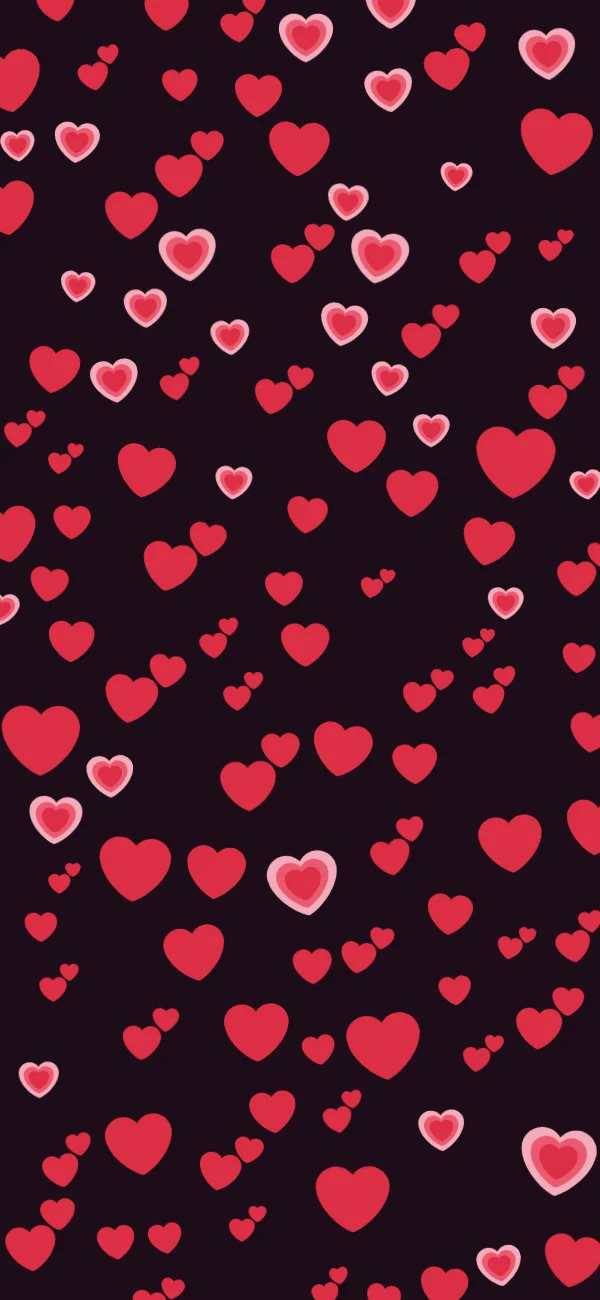
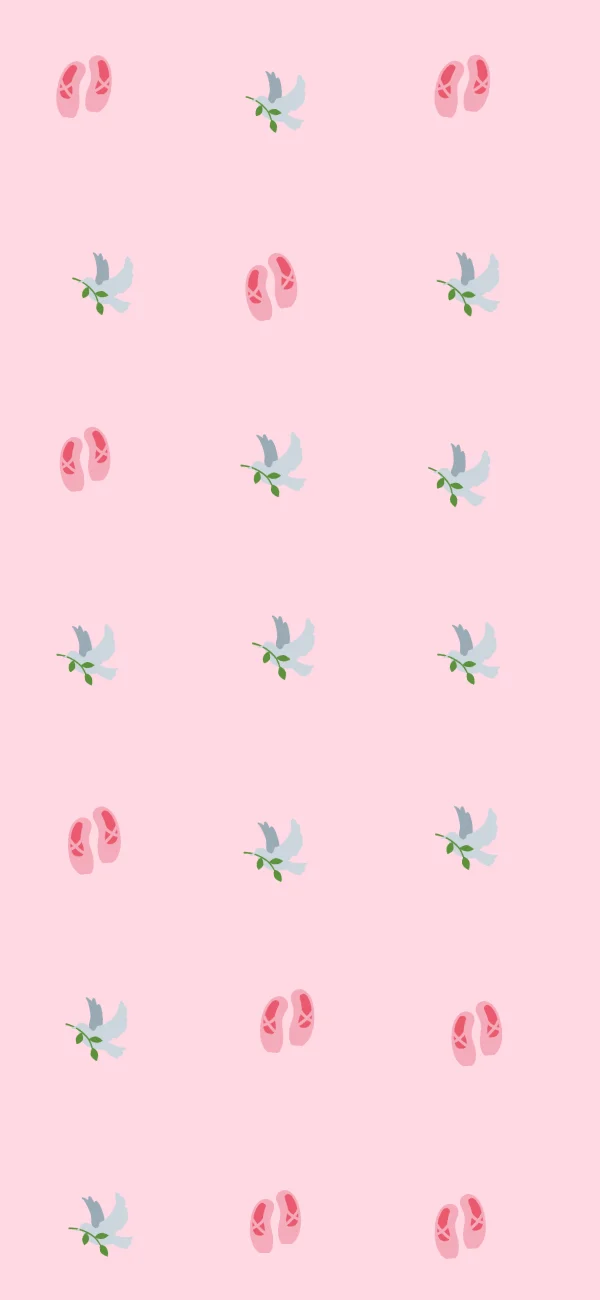
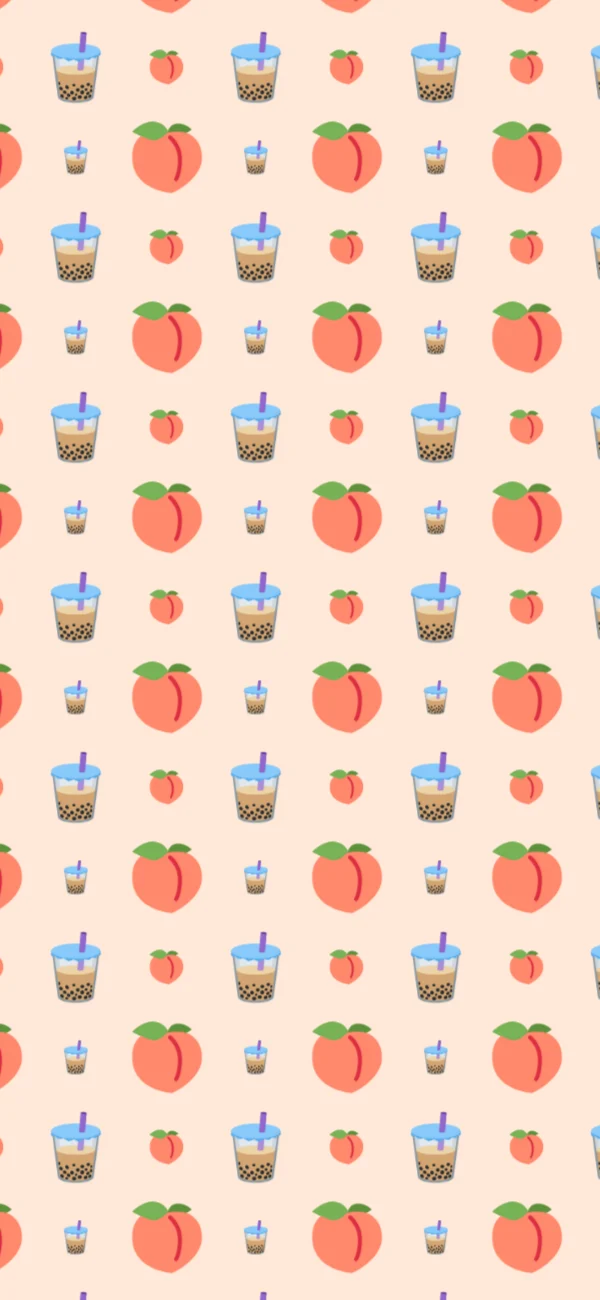
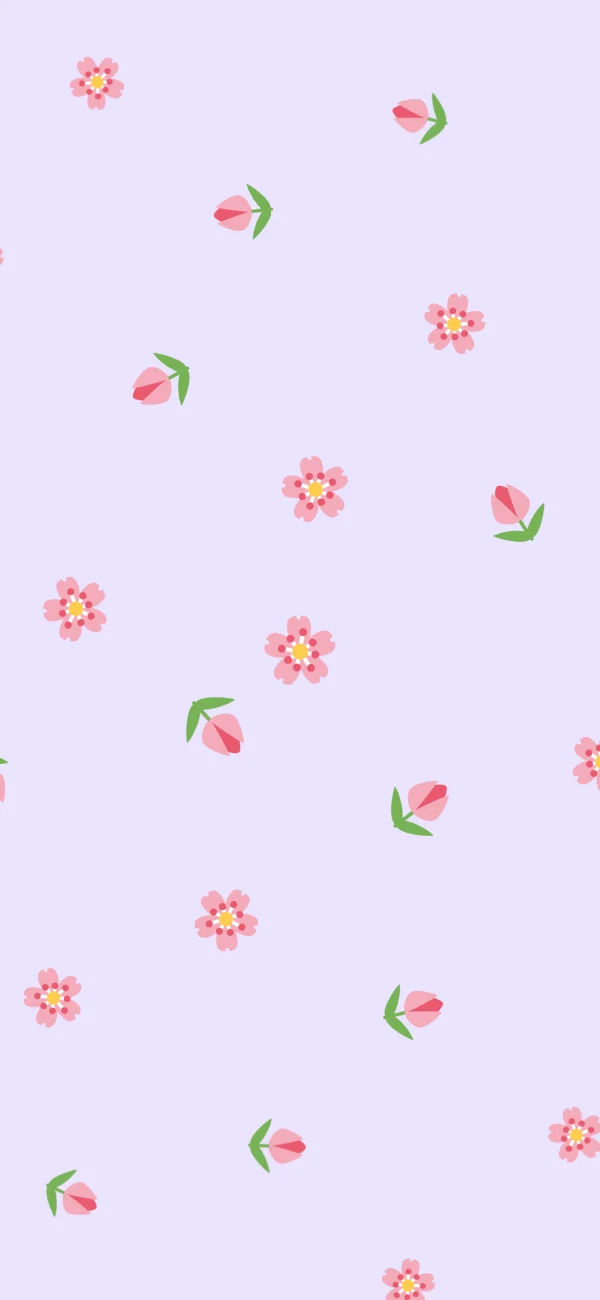
Pick one pink, not three
A wallpaper is looked at for half a second, a hundred times a day. That is why the pink ones that survive on a home screen are the plainest: a background that’s very pale or nearly black, never something in between, and two or three emoji that share that same pink family.
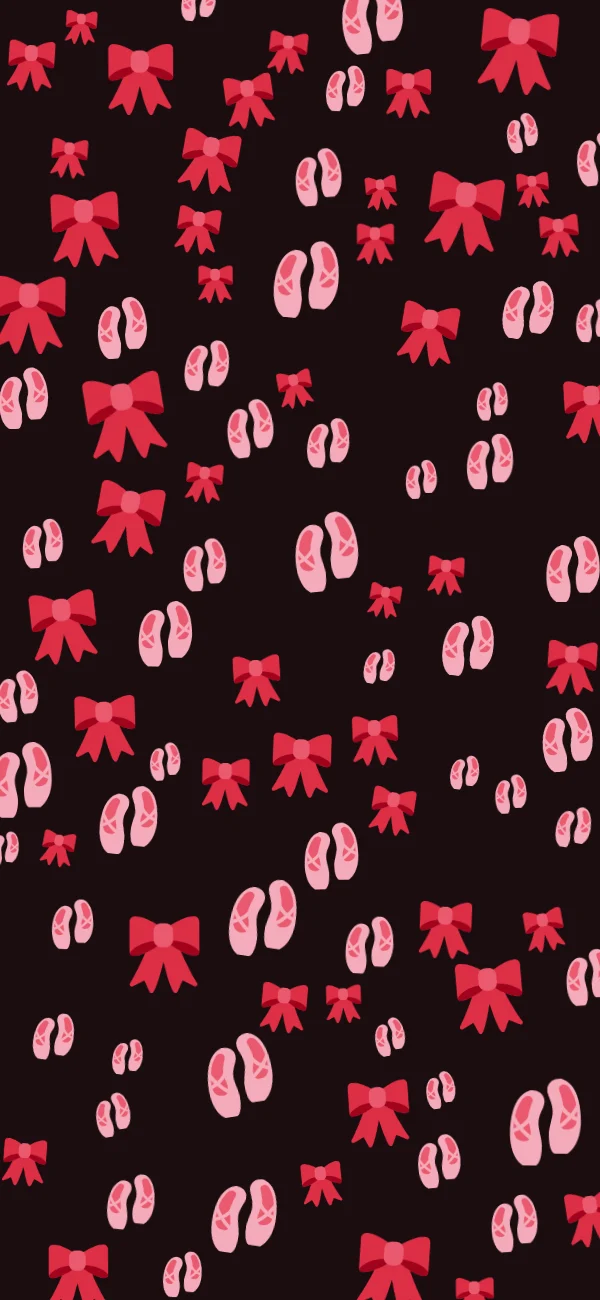
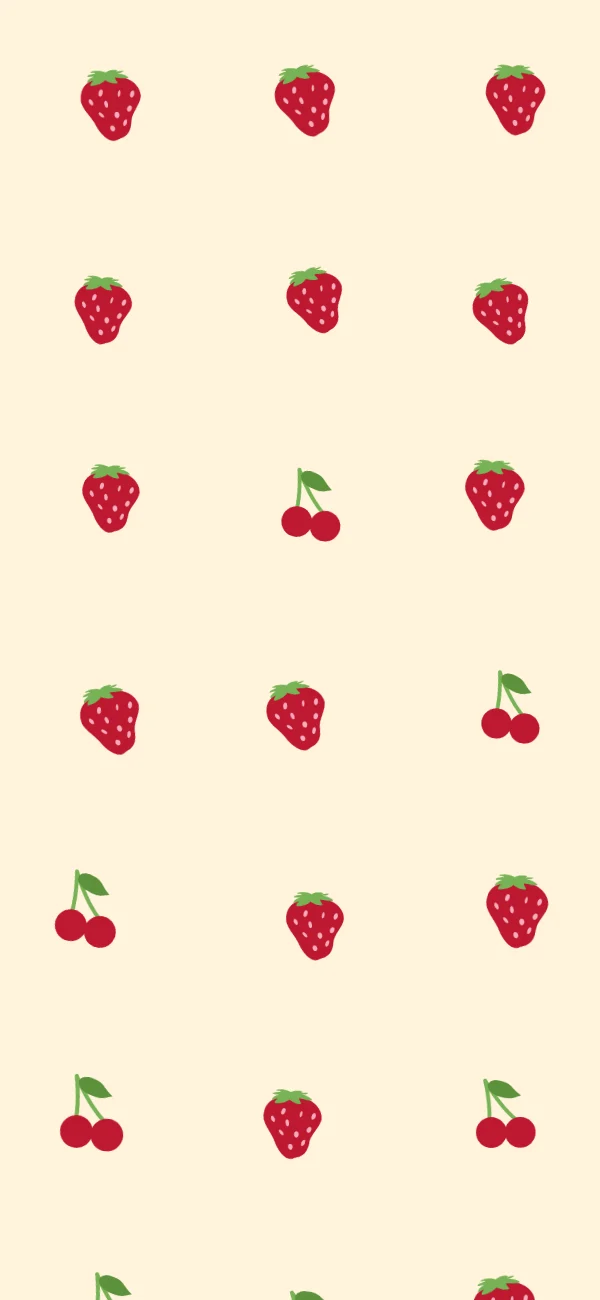
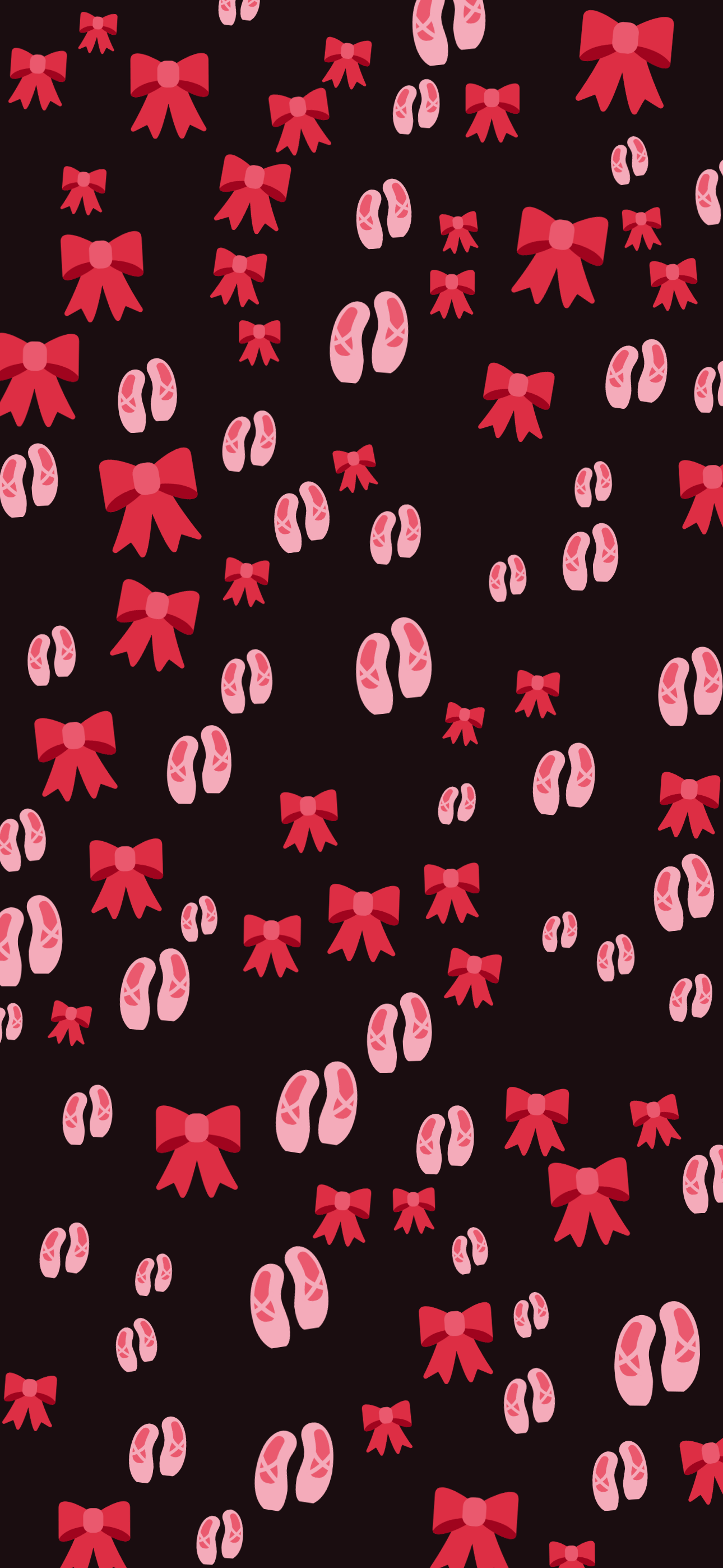
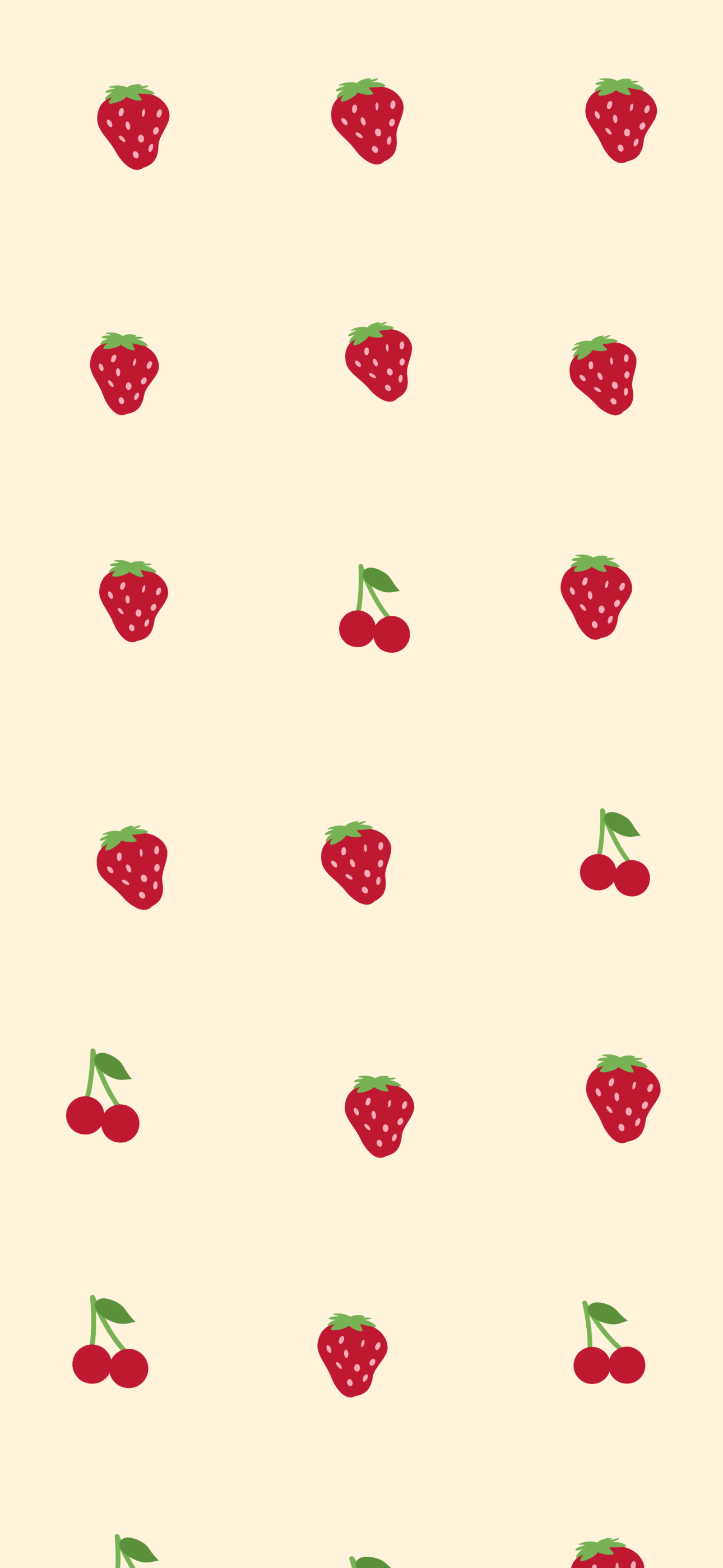
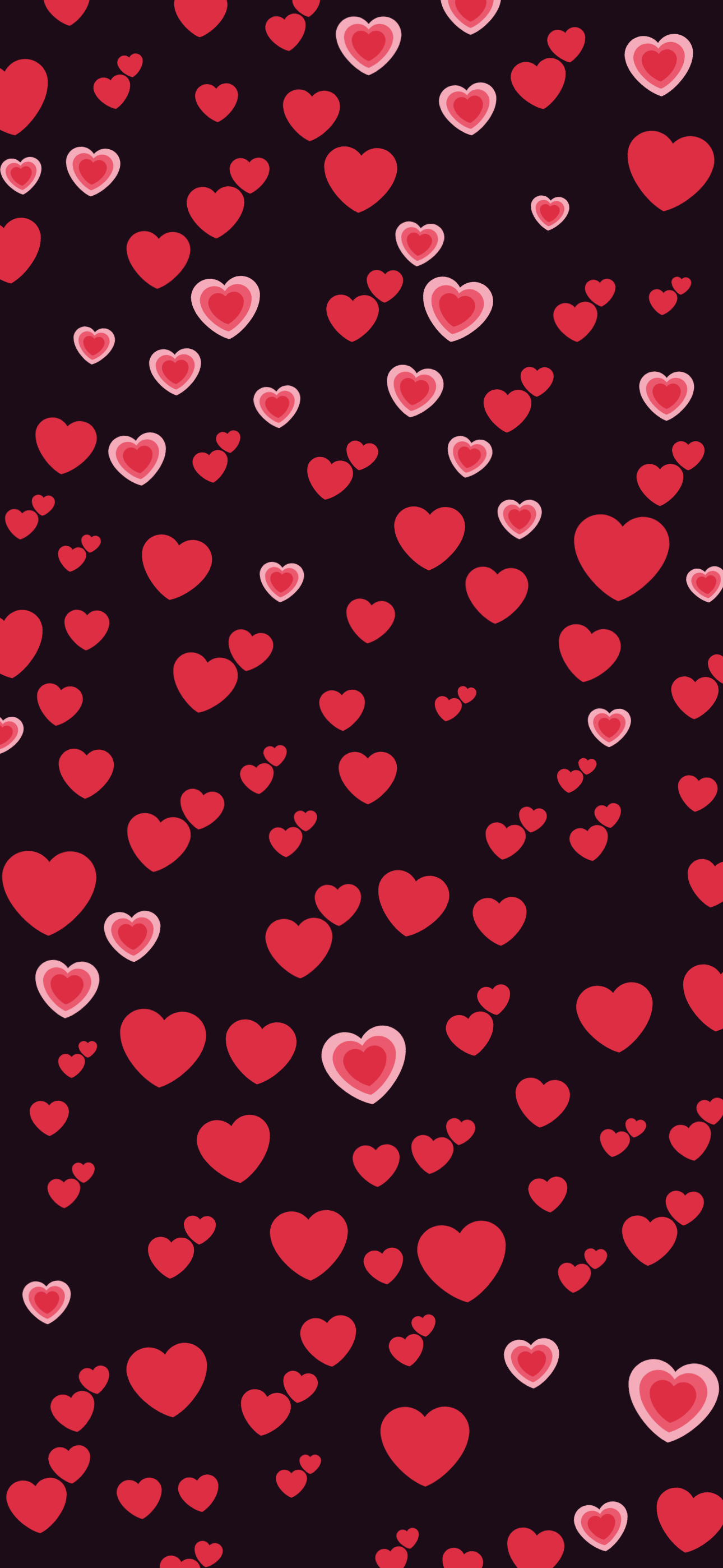
The designs above follow that rule at both ends of it. Ballet slipper and Cherry cream sit at the palest, quietest end: a pale ground with a lot of open space around each emoji, the way app icons stay readable over a mostly empty home screen. Rose bows and Hot pink love go the other way: a near-black ground with that same pink family glowing on top of it, built for a lock screen rather than a home screen crowded with widgets.
Density is the setting that matters
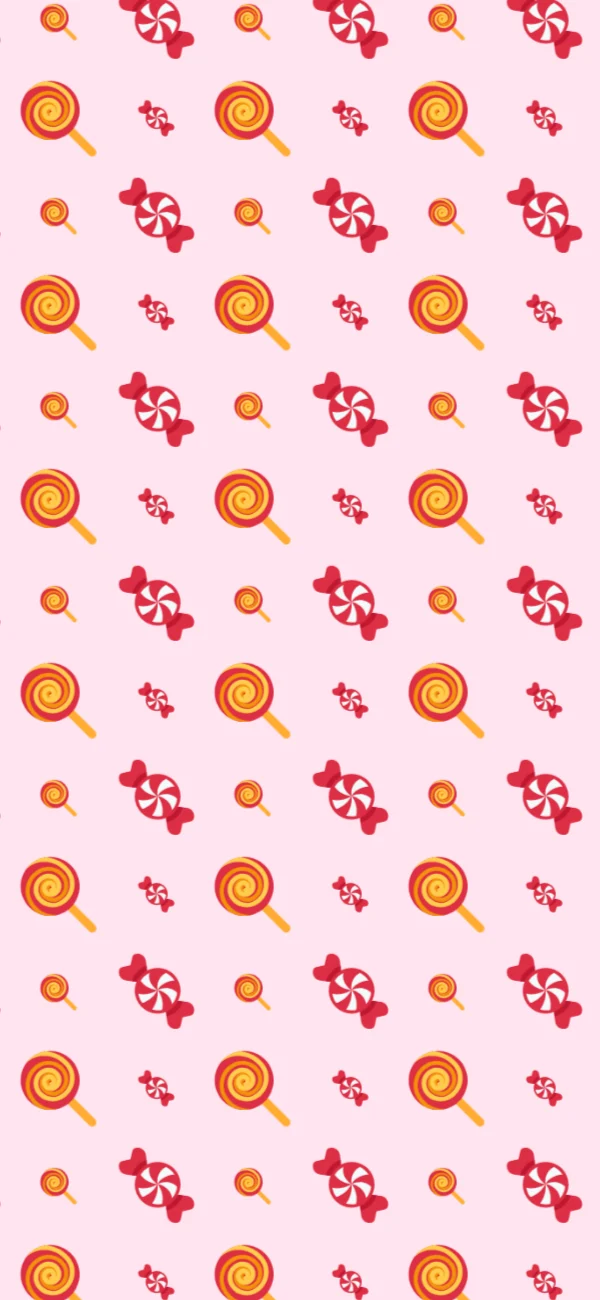
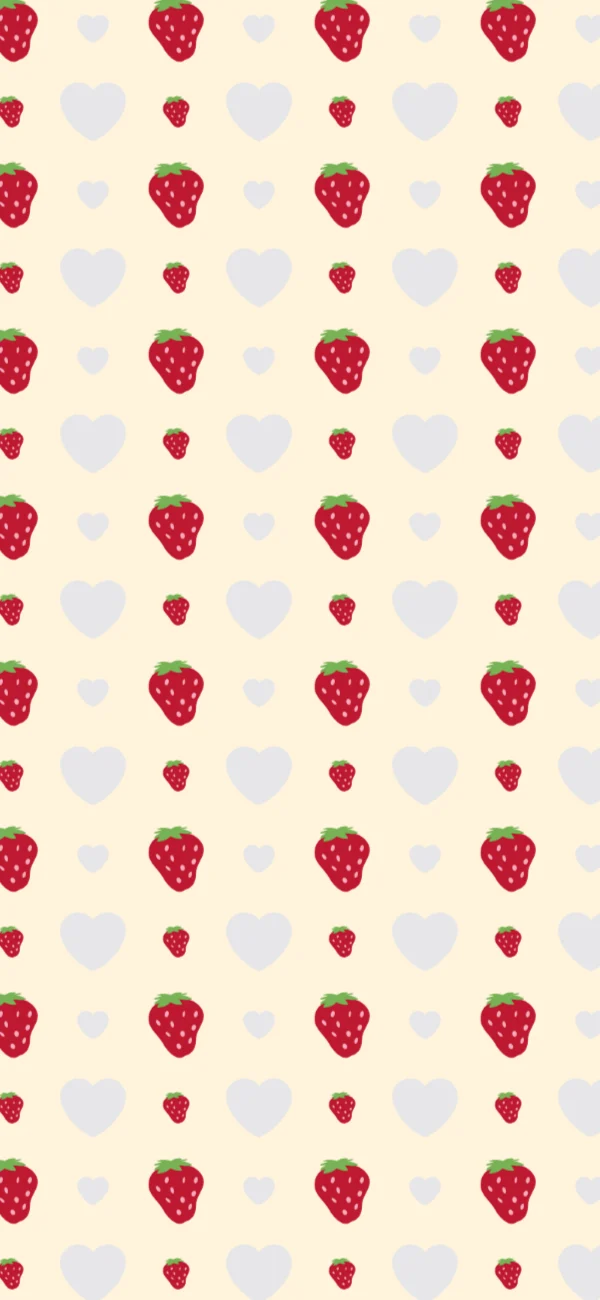
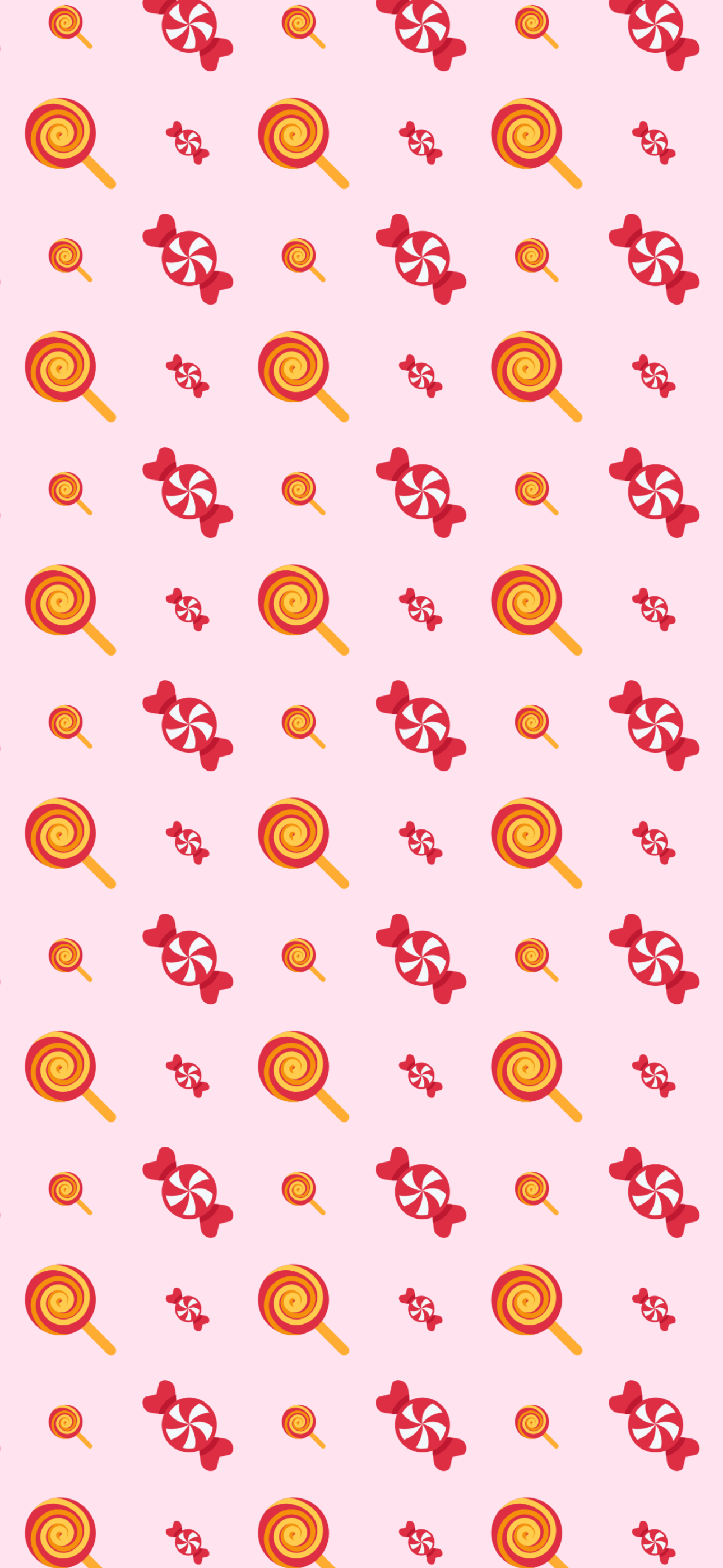
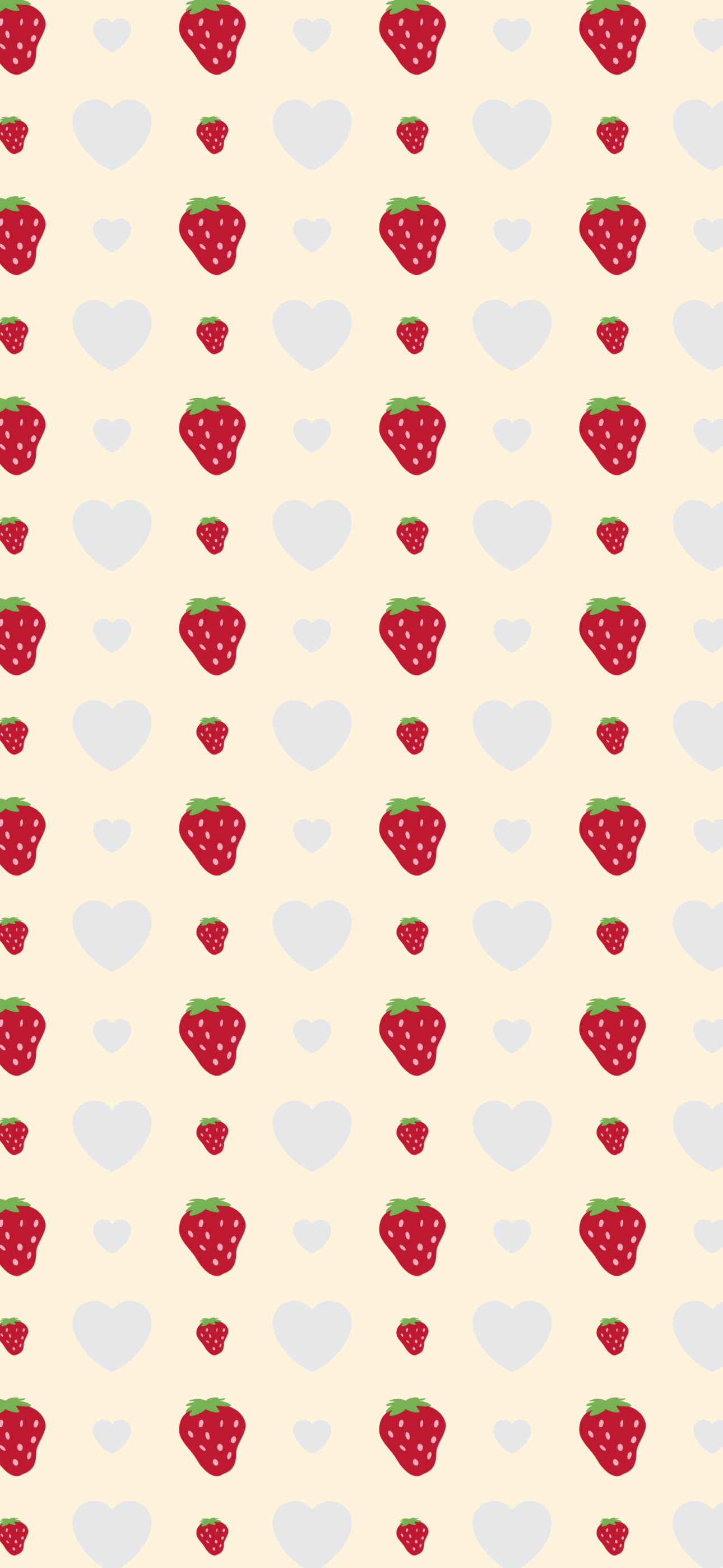
Size and spacing do more for a pink wallpaper than the colour does. Bubblegum packs its two candy pinks edge to edge into a dense, sticker-sheet surface; Cherry cream spaces the same idea out until it reads as a scattering of fruit on cream, not a texture. Both use two sizes of emoji mixed together rather than one repeated stamp, and that’s what keeps either version from looking printed. Compare the two and the difference is entirely density.
If you are making your own, start from a design here and move the size slider before anything else. It is the fastest way to find the look you actually want.
What happens on the lock screen
iOS puts a large clock across the top third of the lock screen and a home indicator across the bottom. Anything intricate there is covered. The editor draws both over your design while you work, so you can shift the busy part of a pattern into the middle before you download rather than after.
How to make your own
Step 1
Open a design
Tap any wallpaper on this page. It loads into the editor exactly as you see it here, emoji, pattern and colour together.
Step 2
Swap in your own emoji
Add or remove emoji from the tray. Two to six related emoji is the range that reads as a pattern rather than a pile.
Step 3
Check it against the clock
The preview draws the lock-screen clock and home indicator over your design, so you can move the busy part of the pattern out from under them before you download.
Step 4
Download at your screen size
Pick your device and download. The file comes out at that screen’s real pixel resolution, so it stays sharp instead of being upscaled from a preview.
FAQ
What size should a pink emoji wallpaper be?
Whatever your screen is. Every download here comes out at a real device resolution (1290×2796 for a recent iPhone, and other sizes in the editor), so the image is never upscaled from a preview. A wallpaper exported smaller than the screen is the usual reason a pattern looks soft on the lock screen.
Will these work on Android?
Yes. Download any design, then pick your size in the editor if your phone is wider or taller than the default. Android crops less aggressively than iOS, so a pattern that runs edge to edge, like these, needs no extra margin.
Can I change the pink?
Yes. Open any design and the background colour is one tap away, along with a row of ready-made palettes. The emoji stay exactly where they are while you try colours underneath them.
Are these free to use?
Free, with no account and no watermark. The wallpaper is rendered in your browser and never uploaded. The emoji artwork is open-licensed and credited on the licences page.
Keep looking
- GuidesSetting a wallpaper on iPhoneFour steps, about a minute. The part people get stuck on is not setting the wallpaper. It is iOS zooming in on the image afterwards, which happens for one specific reason covered below.
- StylesMinimalist emoji wallpapersMinimal is a subtraction, not a style you add. Every design here is built from one emoji, or two at most, on a single flat colour: no gradient, no third family, no filling the corners. Four of them place one glyph in the middle of the screen and stop there.
- StylesBlack emoji wallpapersA dark wallpaper has one job beyond looking good: it has to stay behind the interface. These use a near-black ground, at most two emoji families each, and two sizes of glyph mixed together, never a single stamp repeated, so white text and app icons keep their contrast.